
Restaurant POS System in Virginia Beach, VA
Restaurants in Virginia Beach charge 12.00% in sales tax on meals and pay at least $12.77 an hour. Here is what that means for your POS setup.
VIRGINIA BEACH RESTAURANT NUMBERS
Checked 11/18/2026 against official sources
What these rules mean for Virginia Beach restaurants
Virginia Beach raised its city meals tax from 5.5% to 6% on July 1, 2025, and it is charged on top of the 6% sales tax, so a restaurant meal carries 12%. Owners have asked the council to lower it, so check the rate again each budget season.
Combined sales tax on restaurant meals: City of Virginia Beach Ordinance 3806, meals tax.
Minimum wage: US Department of Labor, state tipped wage table.
Tipped minimum cash wage: US Department of Labor, state tipped wage table.
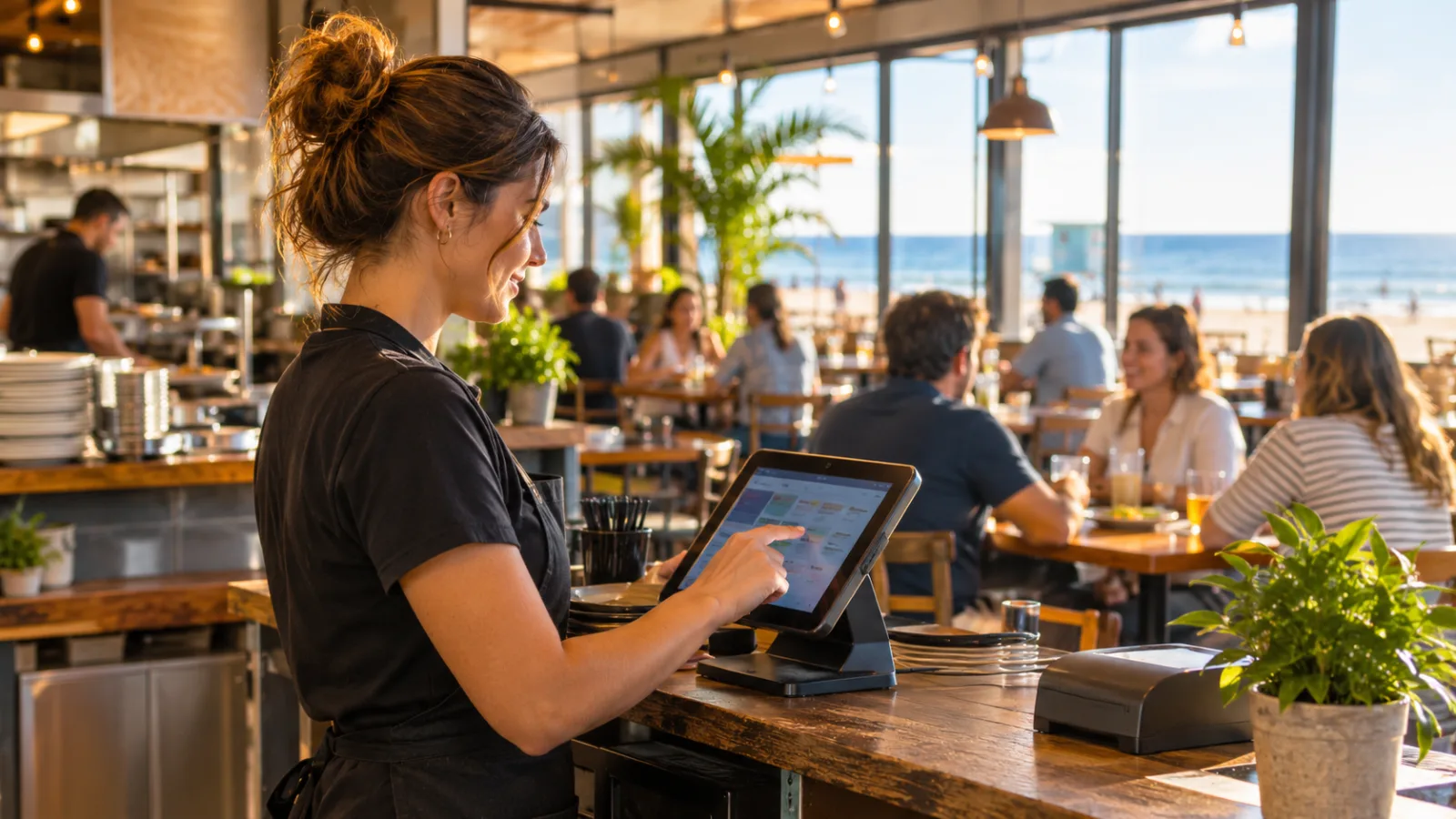
Running a Restaurant in Virginia Beach: A Tablet-First Guide to Choosing Your POS System
Running a restaurant in Virginia Beach means keeping service, kitchen communication, staffing and daily numbers under control while business moves between dine-in, takeout and delivery. A tablet-first restaurant POS system in Virginia Beach can bring those jobs together on devices you may already own, provided the setup is designed around how your team actually works.
A tablet-first POS changes how the restaurant operates
A tablet-based POS is not simply a traditional cash register with a smaller screen. It changes where employees enter orders, how information reaches the kitchen and how managers check the business throughout the day.
Instead of building the operation around one fixed terminal, you can use compatible tablets, phones and computers as different access points to the same system. A server can enter an order on the floor, the kitchen can receive it on a screen, and a manager can review sales from a computer.
That flexibility is particularly useful in a coastal restaurant environment. Seasonal changes, visitor traffic and shifts between busy and quieter periods can make staffing and service demands less predictable.
But using devices you already own does not automatically make a restaurant easier to run. The devices must be reliable, the software must support the required workflows, and employees must understand which device they use for each task.
The right question is not whether a POS works on a tablet. It is whether the entire restaurant can operate consistently when several people use different devices at the same time.
Start with the devices you already have
Before choosing software, make an inventory of the equipment available.
Look at:
- iPads and Android tablets.
- iPhones and other compatible smartphones.
- Desktop and laptop computers.
- Kitchen screens or monitors.
- Receipt printers and cash drawers.
- Network equipment and internet connections.
Separate devices into three groups: those suitable for daily operation, those useful for management and reporting, and those that should be replaced.
A device that works well for checking email may not be suitable for a busy service. Screen size, battery condition, operating system compatibility, wireless reliability and physical durability all matter.
Think about where each device will live. A server's tablet may travel between tables, while a kitchen screen needs a stable mounting position and protection from spills and heat. A manager's computer may remain in the office.
Also decide who is responsible for charging, cleaning, updating and maintaining each device. Shared equipment needs a clear routine. Otherwise, the restaurant can start a shift with a flat battery, an unavailable tablet or an employee who cannot access the correct account.
Do not purchase additional hardware until you have tested the workflow. The objective is to reuse suitable equipment, not to avoid necessary equipment at any cost.
Put order entry where service happens
The first major operational change happens on the floor.
With a tablet-first setup, employees can enter orders closer to the customer instead of remembering several requests and walking back to a fixed terminal. That can reduce unnecessary movement and make order entry more consistent.
The screen layout matters enormously. A menu with hundreds of poorly organized buttons can slow service more than a traditional register.
Organize the interface around the way employees take orders:
- Group food and beverage categories logically.
- Make frequently ordered items easy to locate.
- Display modifiers alongside the relevant products.
- Make allergy and preparation notes easy to identify.
- Keep common combinations and meal options straightforward.
- Make discounts and corrections accessible only to authorized employees.
Test the menu with someone who did not build it. Ask that person to enter a typical order without assistance. If the employee needs repeated explanations, the interface needs work.
Table management is another important consideration. Servers should be able to identify open tables, add items to existing orders, transfer responsibilities when necessary and split checks without creating duplicate transactions.
For takeout, the system should distinguish orders that are waiting for preparation from those ready for pickup. A clear status prevents employees from repeatedly asking the kitchen whether an order is finished.
A good floor setup also needs a backup procedure. Decide what happens if a tablet loses power, wireless connectivity drops or an employee cannot log in. Staff should know how to protect order accuracy and communicate with the kitchen until normal service resumes.
Make the kitchen screen part of the same workflow
The kitchen is where a poorly configured POS becomes expensive.
An order entered on the floor should reach the correct preparation area with its modifiers and special instructions intact. Employees should not have to interpret vague notes or ask servers to repeat information that was already entered.
A kitchen display system, or KDS, can replace paper tickets with an organized screen showing incoming orders and their progress.
Before adopting one, check whether the software can:
- Route different menu categories to the appropriate preparation stations.
- Display modifiers and special instructions clearly.
- Separate dine-in, takeout and delivery orders.
- Show which items belong to the same order.
- Track preparation and completion status.
- Flag delayed orders for attention.
The display should be readable from the employee's normal working position. Small text, crowded screens and unnecessary information create confusion.
Build a consistent sequence for handling orders. For example, an incoming order appears, the relevant station begins preparation, completed items are marked appropriately, and the team can see when the entire order is ready.
This is especially important when different stations prepare parts of the same meal. A kitchen needs to coordinate timing, not simply receive a list of products.
Run realistic tests before going live. Enter orders containing substitutions, removed ingredients, multiple courses and special instructions. Check the actual kitchen display rather than assuming that the information entered at the counter will appear correctly.
A tablet-first system should reduce repeated communication between the floor and kitchen. It should not create another screen that employees have to monitor without a clear purpose.
Treat Virginia Beach's meal tax as a daily POS configuration issue
Tax configuration deserves particular attention when selecting a restaurant POS system in Virginia Beach.
Virginia Beach raised its city meals tax from 5.5% to 6% on July 1, 2025. That city meals tax is charged on top of the 6% sales tax, producing a combined restaurant-meal tax of 12.00%.
Owners have asked the city council to lower the meals tax, so the applicable rate should be checked again each budget season. Do not assume that a rate entered during initial setup will remain correct indefinitely.
For the POS, the important distinction is between the combined rate charged to the customer and the individual tax obligations behind that total. Configure the system so the restaurant can apply the correct combined rate while preserving the reporting and accounting information needed for reconciliation.
Hypothetical example , food check:
| Description | Amount |
|---|---|
| Food check | $48.00 |
| Combined tax rate | 12.00% |
| Sales tax | $5.76 |
| Customer total | $53.76 |
The calculation is straightforward: $48.00 multiplied by 12.00% produces $5.76 in tax.
However, the real test is whether the POS applies the correct configuration consistently across the menu, payment methods, order types and reports.
Before going live, test several transactions. Review the customer receipt, the sales summary and the tax report. Confirm that the figures agree with the intended configuration.
Do not rely on a manually calculated tax amount or a single test receipt. A small configuration error can affect many transactions before anyone notices.
Confirm current tax rates and tax treatment with the appropriate official agency or a qualified tax professional. Recheck the configuration each budget season and whenever official guidance changes.
Use employee time tracking to understand labor costs
A tablet-first POS can also make employee time tracking part of the daily operating routine.
Employees should have a consistent way to clock in and out, and managers should be able to review recorded hours before payroll is processed.
Virginia's minimum wage is $12.77, while the tipped minimum cash wage is $2.13. These are different figures with different applications, and restaurant owners should not treat the tipped cash wage as a substitute for meeting applicable wage obligations.
Hypothetical example , one employee's base wages:
| Description | Amount |
|---|---|
| Hours worked | 6 |
| Hourly wage | $12.77 |
| Base wages | $76.62 |
One employee working a six-hour shift at $12.77 per hour costs $76.62 in base wages before payroll taxes.
That is not the full cost of employing someone. It is simply the starting point for understanding the labor associated with a shift.
Use time records to compare scheduled hours with actual hours. Review missed clock-outs, early arrivals, late departures and unusual adjustments. Require managers to document corrections rather than silently changing recorded time.
Tip handling also needs a clear procedure. Decide how tips are recorded, how eligible employees participate in distributions and how the final amounts are reviewed.
Confirm current wage requirements, tipped-employee rules and tip-pooling obligations with the appropriate official agency or a qualified payroll professional. Do not assume that a POS setting automatically makes a wage or tip arrangement compliant.
Make closing a tablet-based management routine
The end of the shift should not depend on an employee manually collecting numbers from several disconnected devices.
A well-organized POS gives managers a consistent view of the day's activity.
At close, review these areas:
Sales: Compare gross sales, discounts, voids, refunds and net sales. Investigate unusual adjustments instead of accepting the final number without review.
Payments: Compare recorded cash, card and other payment totals with the actual payment records. Identify differences before closing the day.
Taxes: Check taxable sales and tax collected. Review whether the combined meal-tax configuration has been applied correctly.
Employees: Review clock-in and clock-out records, hours worked and manager-approved corrections.
Tips: Confirm that recorded tips and distributions match the restaurant's documented procedures.
Kitchen performance: Look for delayed orders, items that repeatedly require corrections and preparation problems that affected service.
A manager should be able to complete these checks from a suitable computer or tablet without rebuilding the day's activity from paper notes.
There is an important difference between being able to see a report and knowing whether its numbers are correct. Train managers to investigate exceptions rather than simply export reports and file them away.
Set a closing checklist and assign responsibility for each item. If something does not reconcile, document the difference and resolve it before it becomes a recurring problem.
Protect the operation when devices or connectivity fail
The convenience of using existing devices comes with a responsibility: the restaurant must have a backup plan.
A tablet can lose power. A wireless connection can become unreliable. An operating system update can interfere with normal use. A damaged screen can make order entry difficult.
Ask the POS provider specific questions before committing:
- What happens to orders during an internet interruption?
- Can employees continue working if a device disconnects?
- Are unsent orders preserved?
- How does the system recover when connectivity returns?
- Can managers access historical sales and reports?
- What happens when an employee's device needs replacing?
Do not accept a general promise of reliability as an answer. Ask for a demonstration of the actual failure and recovery process.
Create a written procedure for temporary manual order handling. Define who communicates orders to the kitchen, how payments are documented and who enters or reconciles transactions afterward.
Protect access with individual employee accounts and appropriate permissions. Avoid shared manager credentials, particularly for refunds, discounts, payroll-related adjustments and other sensitive operations.
The aim is to make the restaurant resilient, not dependent on a single tablet or one employee who understands the entire system.
Choose software by testing a complete service
A product demonstration should resemble a real shift rather than a presentation of attractive screens.
Ask the provider to demonstrate the entire process, from opening a table to closing the day's sales.
Use a realistic test menu. Include modifiers, taxes, discounts, takeout orders, kitchen routing, employee time tracking and tip handling.
Have a server use the tablet while another person works through the kitchen workflow. Then ask a manager to review the resulting sales and labor information.
Pay attention to the details that are easy to overlook:
- Is the interface understandable without constant training?
- Can employees correct mistakes without creating accounting problems?
- Does the kitchen receive the information it needs?
- Can management identify unusual transactions?
- Are tax reports sufficiently detailed?
- Can the restaurant use its existing equipment?
- Is there a practical procedure for technical problems?
Do not select software solely because its tablet interface looks modern. A restaurant needs reliable transaction records, clear kitchen communication and useful management information.
The best test is whether an employee can complete a normal task correctly without asking for help.
Introduce CounterChef only after defining your workflow
CounterChef supports a tablet-first restaurant operation with these capabilities: you can enter the combined sales tax rate with up to three decimals and set different rates by category; delivery areas use ZIP codes with their own fee and estimated time; employees clock in on a tablet or computer; tips can be shared by percentage or hours worked; and the system runs on iPad, Android tablet, iPhone and computer.
When evaluating it, test the functions against your actual service routine. Make sure the tax setup, employee access, kitchen workflow and closing reports match the way your restaurant operates.
Virginia Beach restaurant questions
Can I run an entire restaurant using tablets I already own?
Yes, provided the devices are compatible with the POS software and suitable for their assigned tasks. You can use tablets for order entry, kitchen communication and employee access, while a computer can handle management and reporting. Test the complete workflow before relying on existing equipment.
Does a tablet POS work for both dine-in and takeout?
Yes. Look for software that supports table management, separate takeout orders, kitchen routing and order status tracking. Employees should be able to distinguish orders by service type without creating duplicate tickets or confusing the kitchen.
What sales tax should a Virginia Beach restaurant configure?
The combined restaurant-meal tax described in this guide is 12.00%, consisting of the 6% city meals tax and 6% sales tax. Confirm the current rates and applicable treatment with the City of Virginia Beach, Virginia Tax or a qualified tax professional before configuring the system.
What should I check before choosing a restaurant POS system in Virginia Beach?
Test order entry, kitchen communication, tax calculations, employee time tracking, tip reporting and daily closing reports. Also check device compatibility, connectivity failure procedures, security permissions and the ability to use equipment you already own. Confirm current wage and tipped-employee requirements with the Virginia Department of Labor and Industry or a qualified payroll professional. A tablet-first restaurant should make everyday work simpler, not give employees more screens to manage. Choose a system that connects the floor, kitchen, employees and management through one dependable operating routine.
How to set this up in CounterChef
Enter your tax rate
Set 12.00% in Settings, under Tax, then ring a test item and check the receipt. Confirm the rate for your exact address first.
Read about restaurant posPrice delivery by ZIP code
Create areas for the Virginia Beach ZIP codes you can reach well, each with its own fee and estimated time.
Read about zones and fees by zipRun delivery yourself
Keep your own menu and drivers in one system, from the order to the driver settlement.
Read about delivery overviewOther Virginia cities
More for Virginia Beach restaurant owners
Running a restaurant in Virginia Beach?
Tell us how your restaurant runs. We will walk you through the parts that matter to you.