
Self-checkout for grab-and-go items
Guests scan what they picked and bring a purchase number to the register.
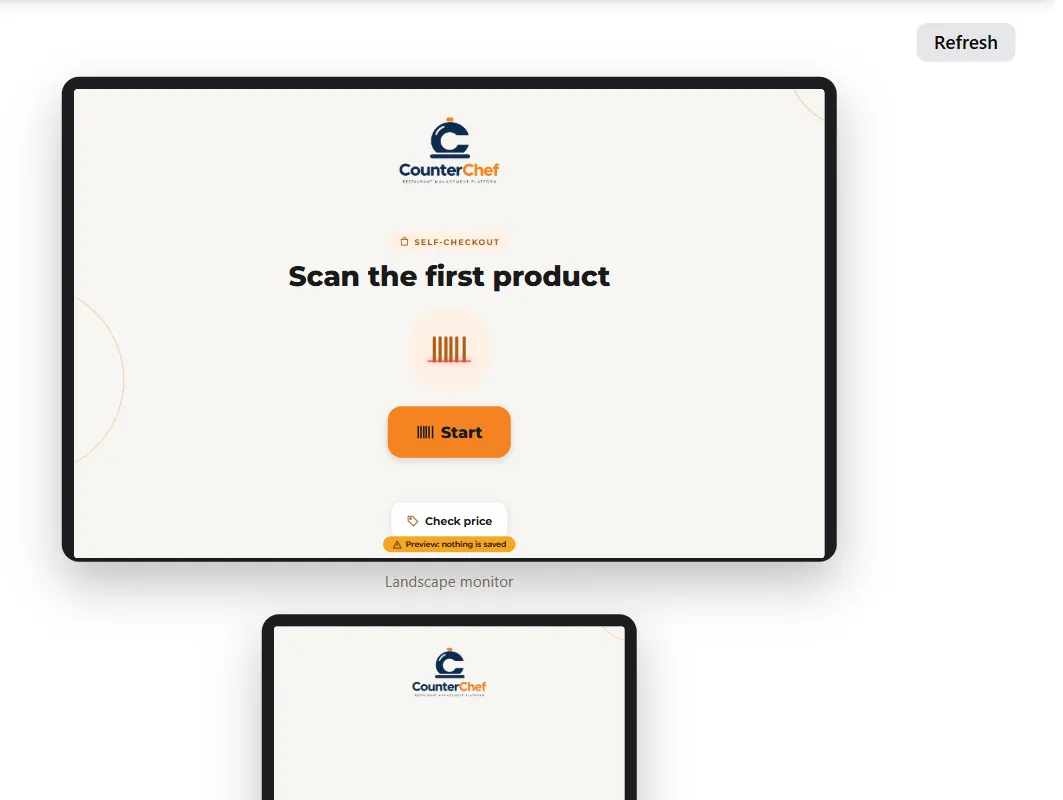
A coffee and a muffin should not wait behind a catering order
Grab-and-go customers want speed. Letting them scan their own items keeps the line moving.
How it works
-
Prepare your items
Products need a barcode in their settings. Items without one can use a no-code button by category.
-
Guests scan and pay
They get a purchase number, and the sale appears in the register as a Self-Checkout check.
Buttons and rules that matter
- Still there?
- Asks after the idle seconds you set.
- No-code button
- Shows the categories you choose.
- Kitchen
- Self-checkout purchases do not go to the kitchen.
Morning rush at the case
A guest scans a bottled juice and a sandwich, gets a number and pays at the counter in seconds.
Connected to the rest of the system
Questions owners ask
Does the guest pay at the screen?
No. They pay at the register using the purchase number.
Do I need a scanner?
Scanning needs a compatible reader or camera setup. We will confirm yours in the demo.
See it with your own menu in mind
Tell us how your restaurant runs. We will walk you through the parts that matter to you.