
Buy what you need, when you need it
Stock levels and minimums turn into a clear buying list.
Ordering from memory wastes money
Buy too little and you run out. Buy too much and it spoils.
How it works
-
Review the list
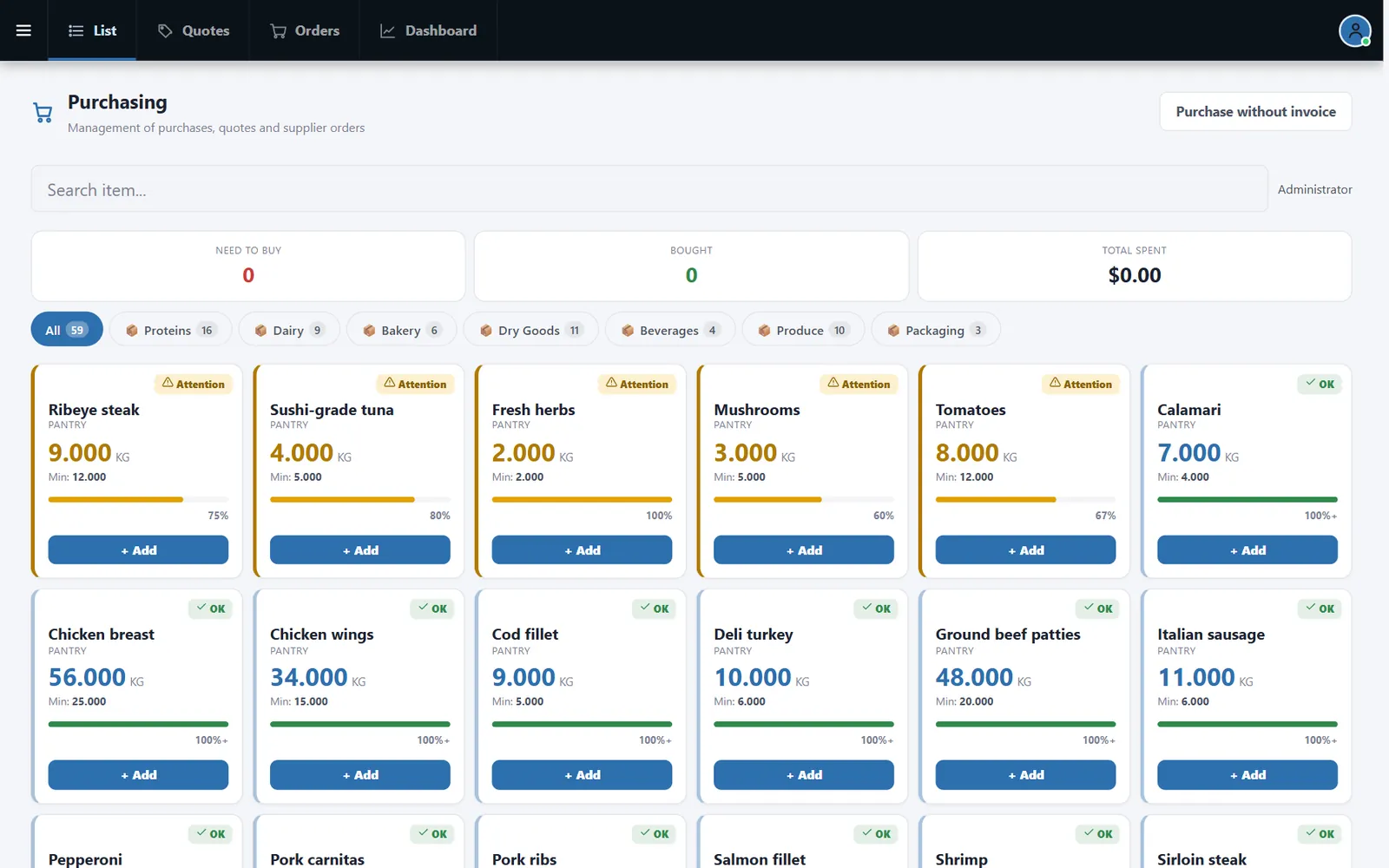
Each item shows stock, minimum and status by category.
-
Quote and order
Use Quotes and Orders to compare suppliers and follow what was bought.
Buttons and rules that matter
- Attention
- Marks items near the minimum.
- + Add
- Adds an item to the purchase.
- Purchase without invoice
- Records simple purchases.
- Dashboard
- Summarizes purchasing.
Tuesday produce order
Mushrooms and tomatoes are flagged, so they go on the order before the weekend.
Connected to the rest of the system
Questions owners ask
Does it send orders automatically?
You review and place orders with your suppliers.
Can I compare prices?
Yes. Quotes are built for that.
See it with your own menu in mind
Tell us how your restaurant runs. We will walk you through the parts that matter to you.