
House accounts without the paper tab
Set the limit, track each balance and take payment at the register.
The office lunch tab gets complicated fast
A company orders every week, different people sign, and the invoice is due at month end. You need the statement in one place.
How it works
-
Add the account
Create a company or person and set the limit.
-
Charge and settle
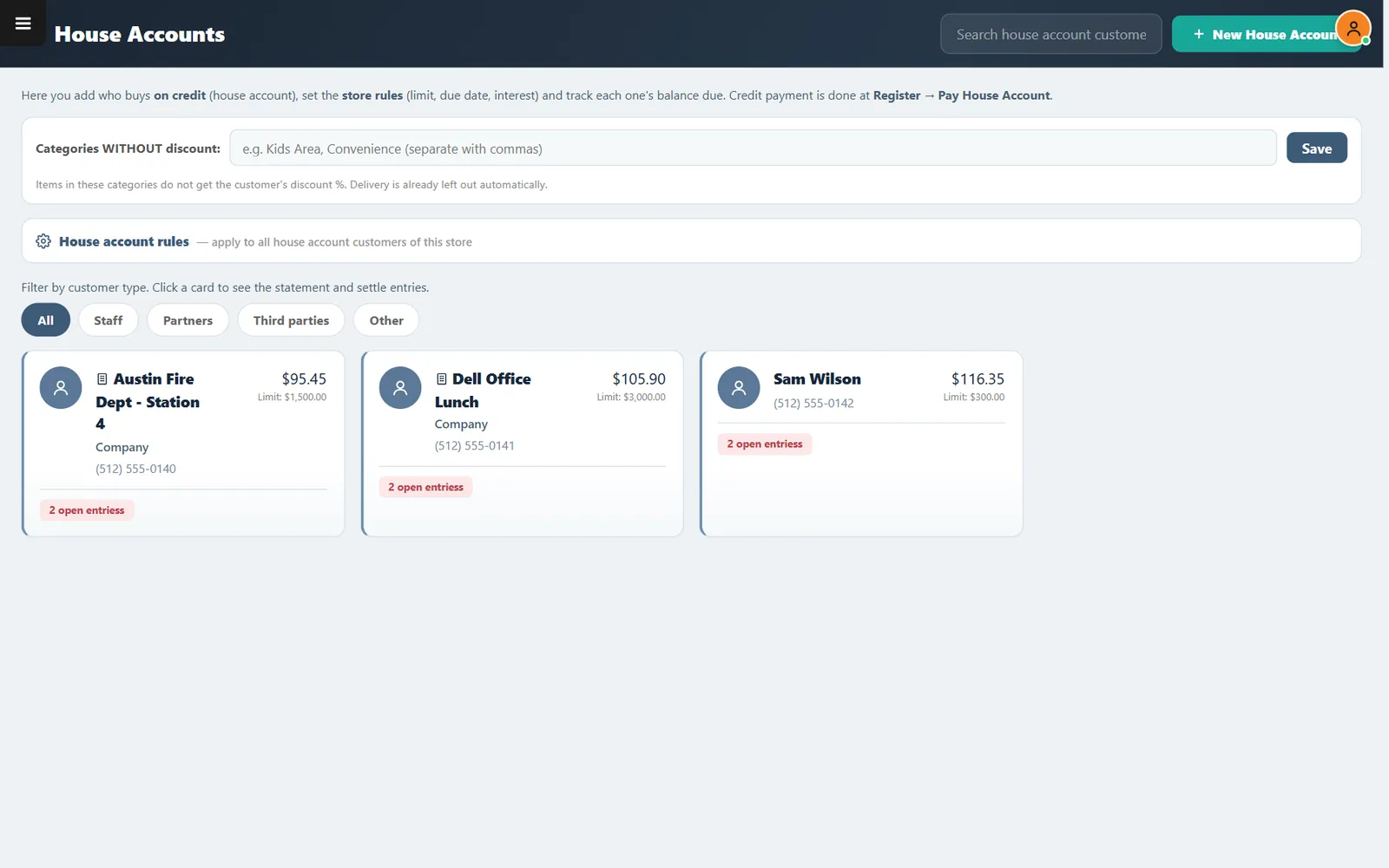
Open the card for the statement. Payments are taken at the register under Pay House Account.
Buttons and rules that matter
- Limit
- The most an account can owe.
- Store rules
- Set limit, due date and interest rules.
- Customer types
- Filter staff, partners, third parties and others.
- Categories without discount
- Keeps chosen categories out of account discounts.
Austin Fire Dept, Station 4
The station has $95.45 open against a $1,500 limit, with two entries you can review before billing.
Connected to the rest of the system
Questions owners ask
Can staff meals use this?
Yes. Staff is one of the customer types.
Does it send invoices?
You review each statement in the system and bill the customer your usual way.
See it with your own menu in mind
Tell us how your restaurant runs. We will walk you through the parts that matter to you.