
Dispatch delivery orders with a barcode scan
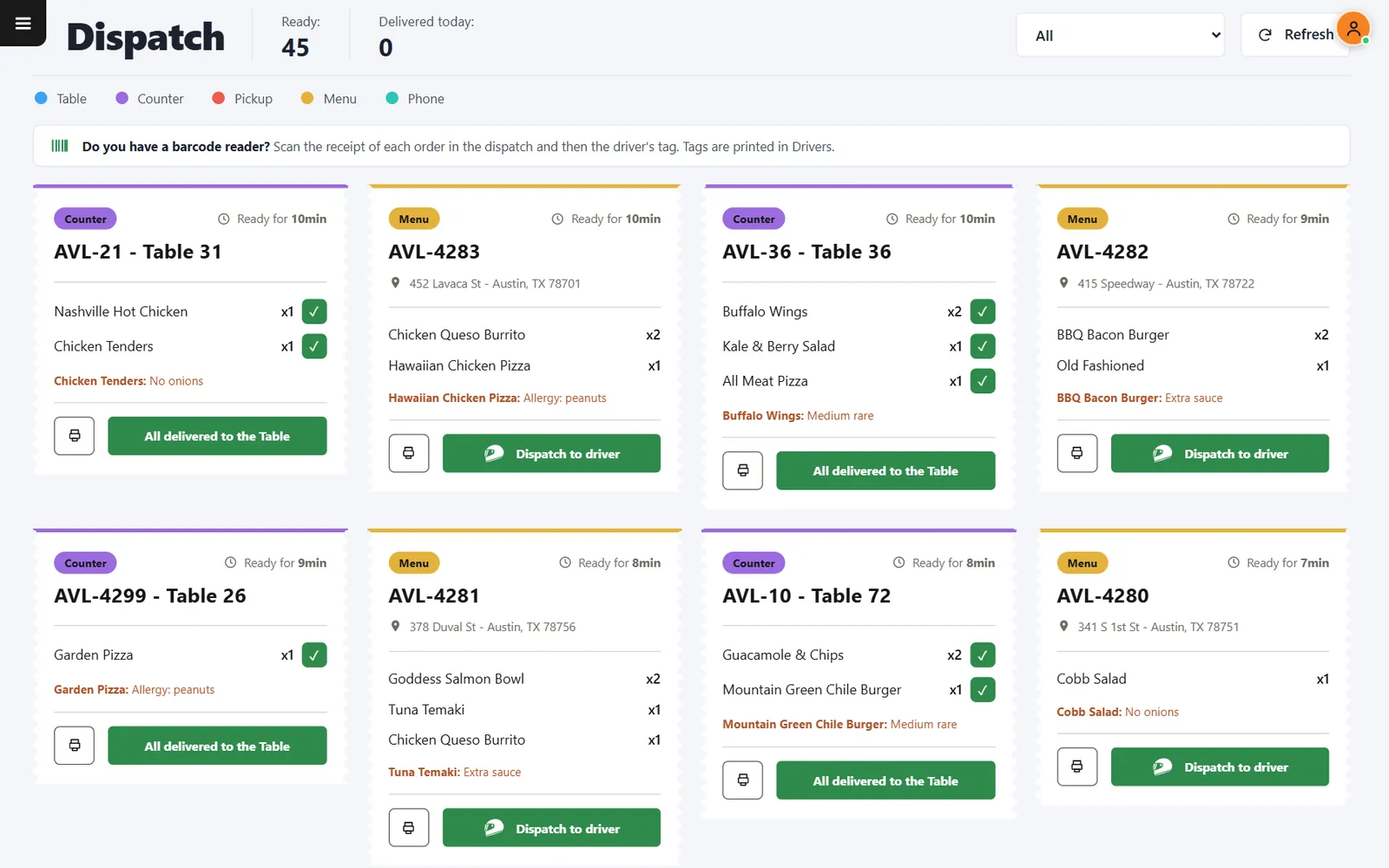
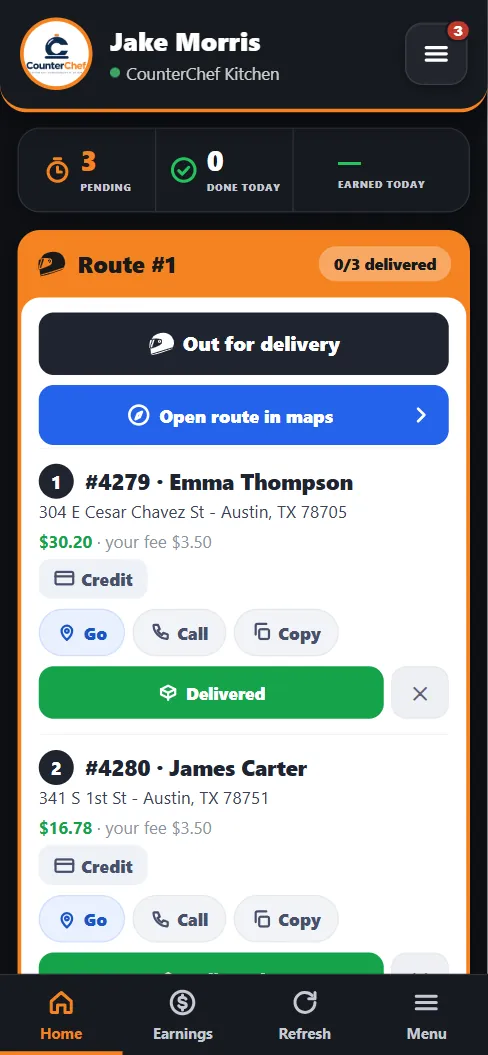
Scan each receipt, then the driver tag. The whole run lands on that driver's phone, in the order you scanned it.
The handoff is where bags go missing
Most delivery mistakes happen in the last thirty seconds at the door: wrong bag, wrong driver, nobody sure who left with what. A scan creates a record of the handoff.
How it works
-
See what is ready
Dispatch lists ready orders with items, notes, address and how long they have been waiting.
-
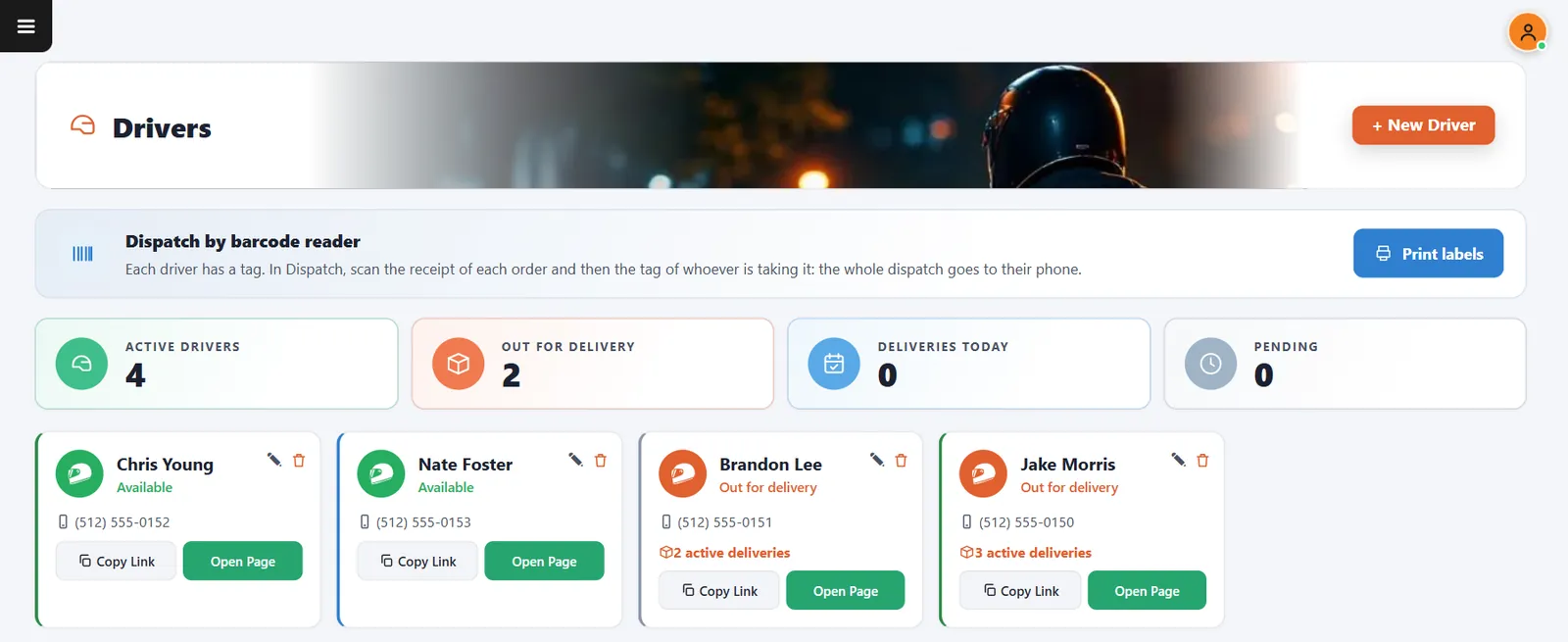
Print driver tags
In Drivers, Print labels creates one barcode tag per driver.
-
Scan and go
Scan the receipt of each order and finish with the driver tag. The scanned orders become one route.
Buttons and rules that matter
- Dispatch to driver
- Works without a scanner: choose the driver on screen.
- Scan order
- The route follows the order of the scans.
- Reprint
- Prints the order receipt again, with its barcode.
- Filter
- Narrows the screen by order type.
Three bags, four scans
Orders #4280, #4281 and #4282 are ready. The expo scans all three receipts and Brandon's tag. Brandon's phone shows stops 1, 2 and 3.
Connected to the rest of the system
Questions owners ask
Do I need a barcode reader?
No. You can dispatch every order on screen.
What reader works?
A handheld reader that types like a keyboard is what the screen listens for. Ask us about your model during the demo.
See it with your own menu in mind
Tell us how your restaurant runs. We will walk you through the parts that matter to you.