
Offer free delivery above the order value you choose
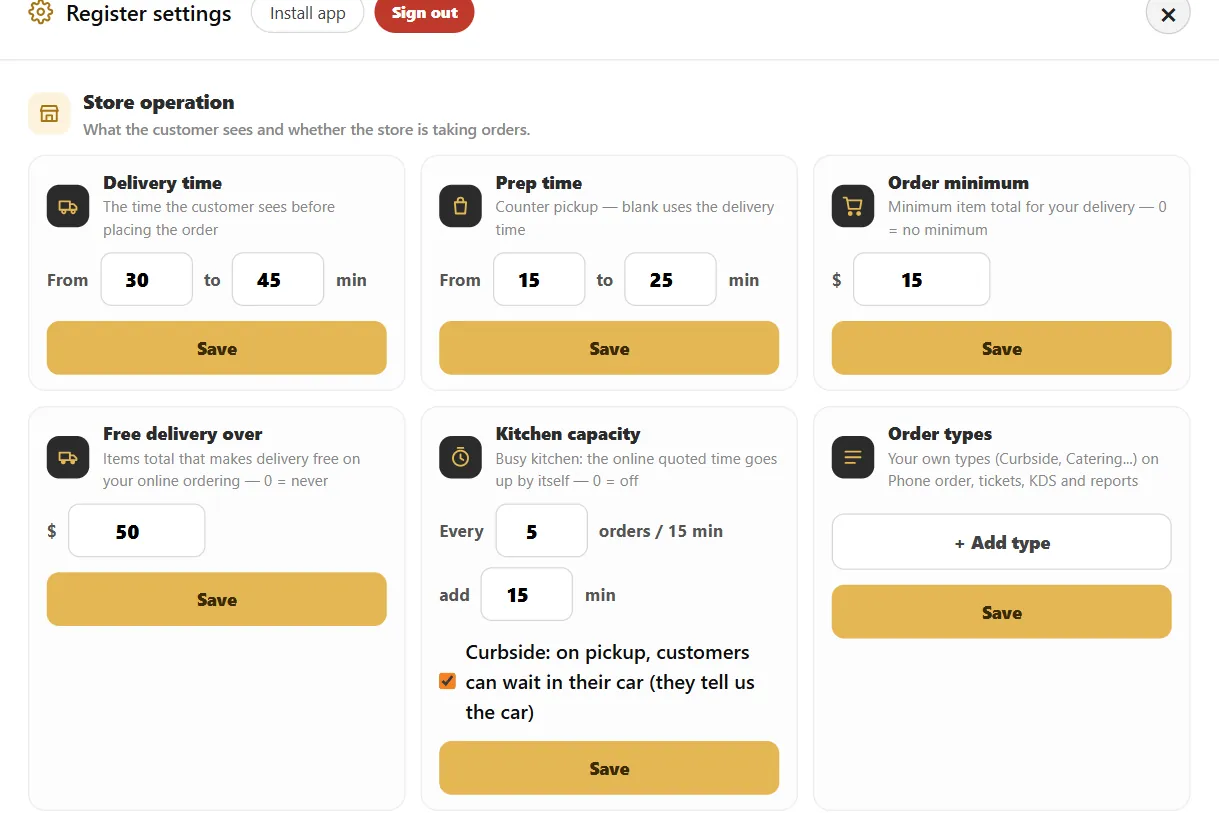
Set one amount. When the items in an online order reach it, the delivery fee drops to zero on its own.
A reason to add one more item
Waiving the fee on every order costs you margin. Waiving it above a set amount gives guests a reason to build a bigger order first.
How it works
-
Enter the amount
In the register settings, find Free delivery over and enter the item total. Zero means never.
-
The order qualifies by itself
If the items reach the amount, the delivery fee on that online order becomes zero.
Buttons and rules that matter
- What counts
- The item total, not the delivery fee.
- Where it applies
- Orders placed on your online menu.
- Exact match
- An order equal to the amount qualifies.
Set at $50
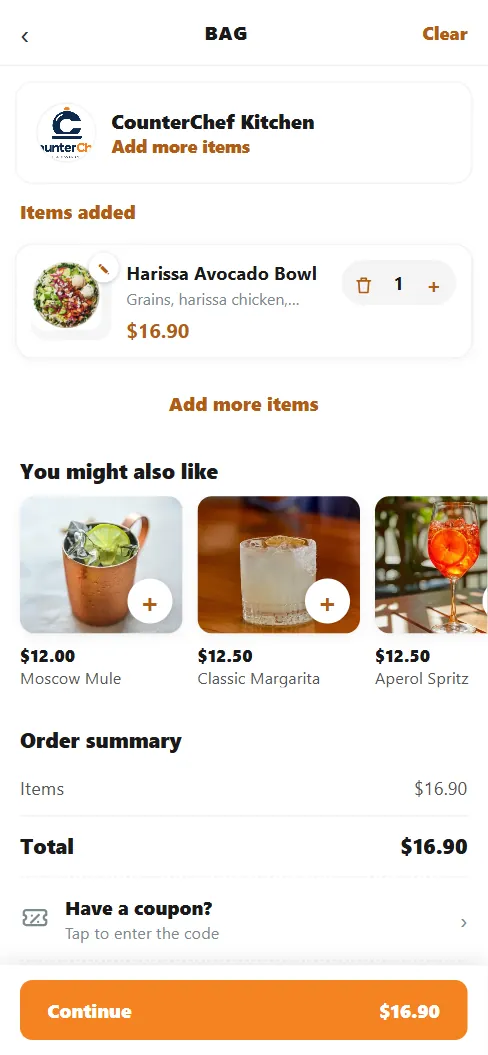
A $47 order pays the normal fee. Add a $4 side and the items reach $51, so the delivery fee disappears.
Connected to the rest of the system
Questions owners ask
Does this make all delivery free?
No. Only orders whose items reach your amount.
Can I turn it off?
Yes. Set the amount to 0.
See it with your own menu in mind
Tell us how your restaurant runs. We will walk you through the parts that matter to you.