
A self-order kiosk on a tablet you choose
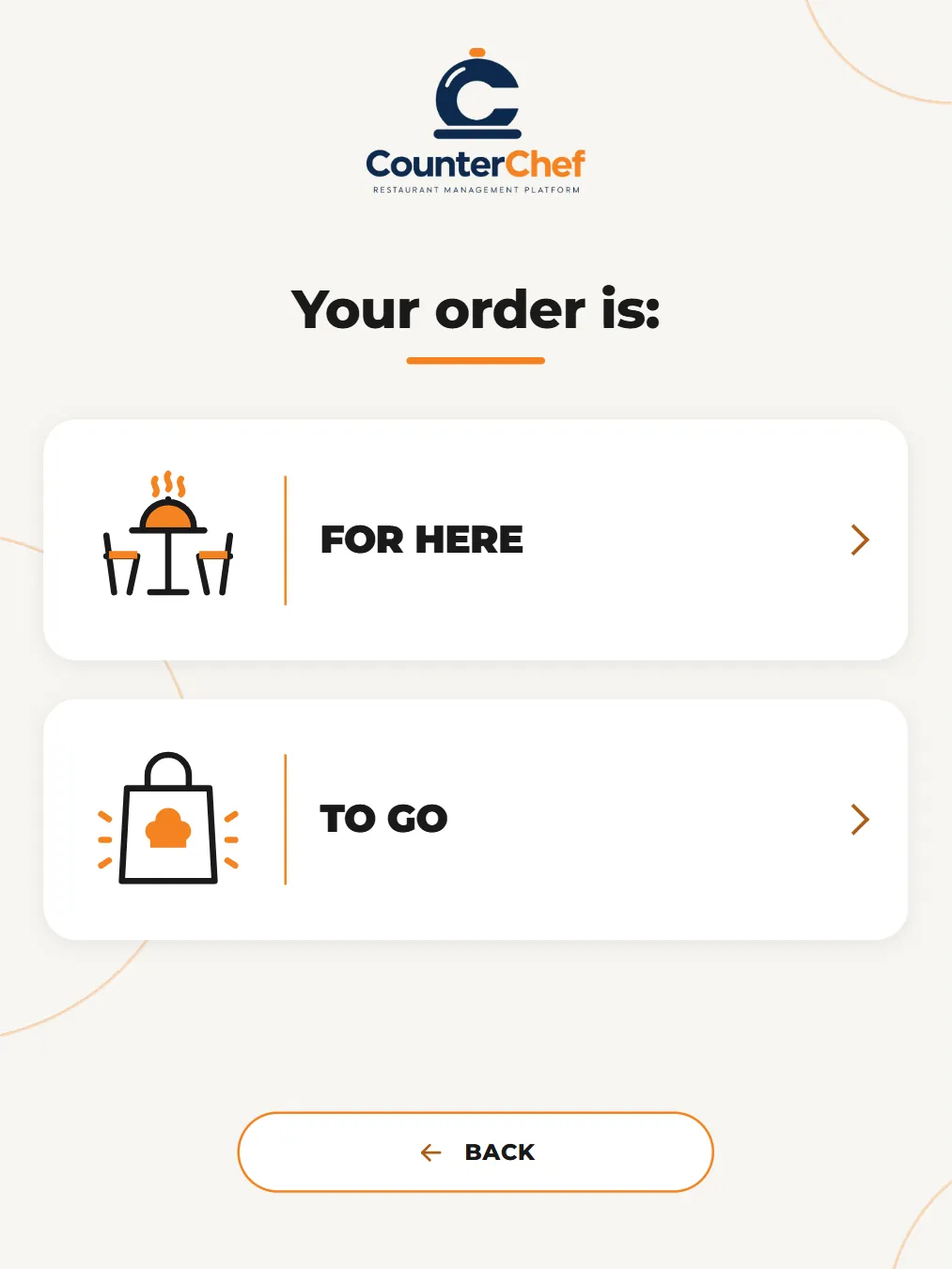
Guests choose for here or to go, tap through your menu and finish with an order number.
Long lines lose orders
At the peak of lunch, one register decides how many people you can serve. A kiosk adds another place to order without adding another person.
How it works
-
Set the attract screen
Choose the headline, name and rotating slides shown while nobody is ordering.
-
Guests order
They tap to start, choose for here or to go, browse categories and add items.
Buttons and rules that matter
- Slide change
- Sets how many seconds each slide stays up.
- Idle reset
- If nobody answers, the screen returns to the start and clears the order.
- Preview
- Test the flow without sending anything to the kitchen.
The lunch line splits in two
Regulars head to the kiosk while guests with questions stay at the counter, and the cashier spends time where it helps.
Connected to the rest of the system
Questions owners ask
Do I need special hardware?
A tablet or touch screen with a browser can run it.
Can I change the images?
Yes. You manage the slides yourself.
See it with your own menu in mind
Tell us how your restaurant runs. We will walk you through the parts that matter to you.