
Sales tax set up the way your city charges it
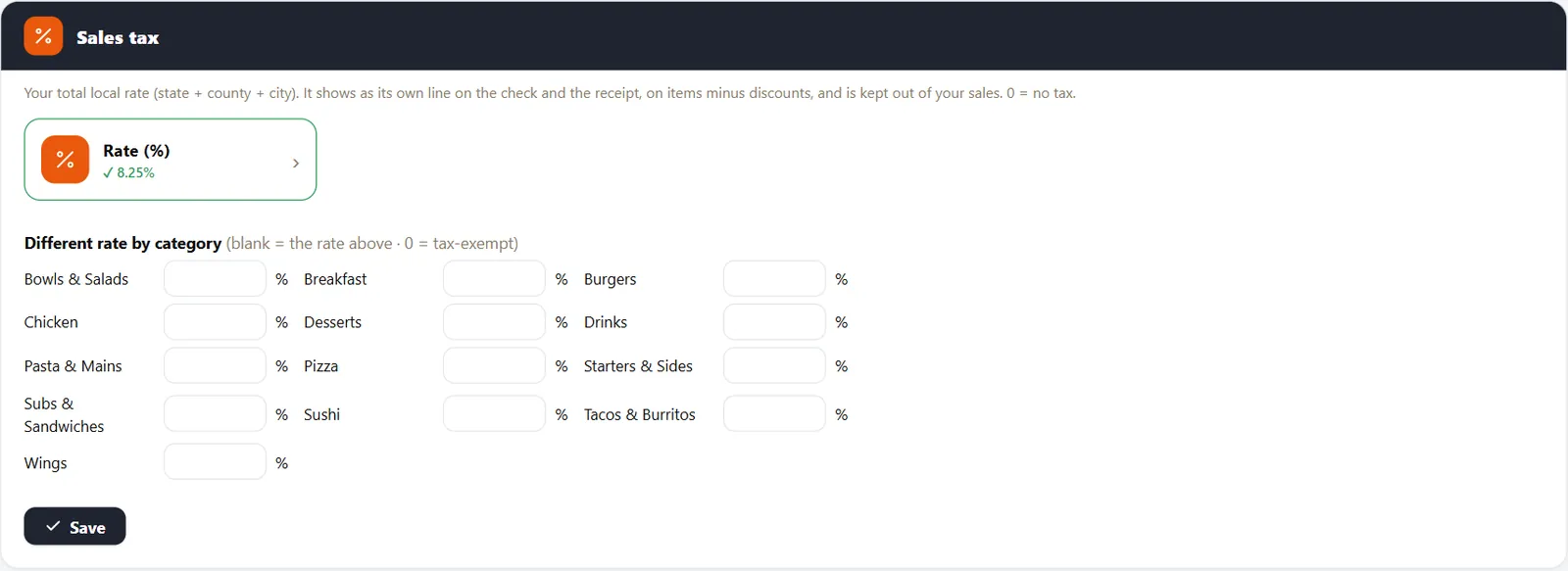
Enter the combined rate once, then override it for categories taxed differently.
A wrong rate costs you on every check
Rates change, and restaurant meals are sometimes taxed differently from other sales. A POS should make the rate easy to find and easy to change.
How it works
-
Enter the rate
Add your combined state, county and city rate as a percentage.
-
Check the receipt
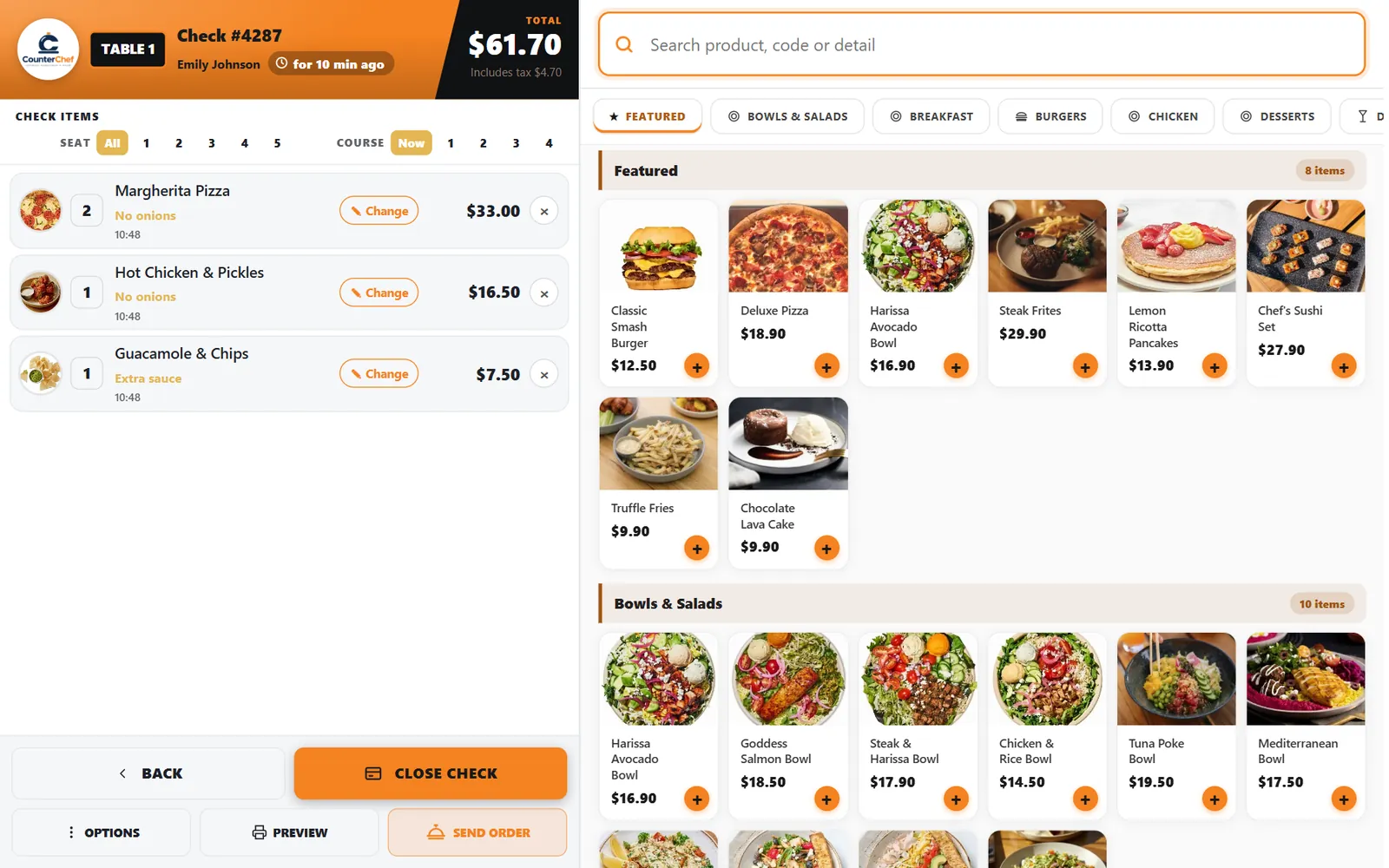
Tax appears on its own line, calculated on items after discounts, and stays out of your revenue.
Buttons and rules that matter
- Rate
- Up to three decimals, such as 8.25 or 8.875.
- Rate by category
- Leave blank to use the store rate.
- Zero
- Means no sales tax.
- Service charge taxable
- Decide whether an automatic service charge is taxed.
Check #4287
The table total is $61.70, and the check shows the $4.70 in tax separately, so nobody has to work it out.
Connected to the rest of the system
Questions owners ask
Does CounterChef file my sales tax?
No. It calculates and records it. Filing stays with you or your accountant.
Where do I find my rate?
Use your state revenue department. Our location pages link to official sources for many cities.
See it with your own menu in mind
Tell us how your restaurant runs. We will walk you through the parts that matter to you.