
Restaurant POS System in Bridgeport, CT
Restaurants in Bridgeport charge 7.35% in sales tax on meals and pay at least $16.94 an hour. Here is what that means for your POS setup.
BRIDGEPORT RESTAURANT NUMBERS
Checked 11/18/2026 against official sources
What these rules mean for Bridgeport restaurants
Connecticut taxes meals at 7.35%, the 6.35% general rate plus an extra 1%, and there are no local sales taxes, so the same rate applies across the state. Bartenders have a different cash wage, $8.23, so set tipped roles separately.
Combined sales tax on restaurant meals: Connecticut DRS sales and use tax information.
Minimum wage: US Department of Labor, state tipped wage table.
Tipped minimum cash wage: US Department of Labor, state tipped wage table.
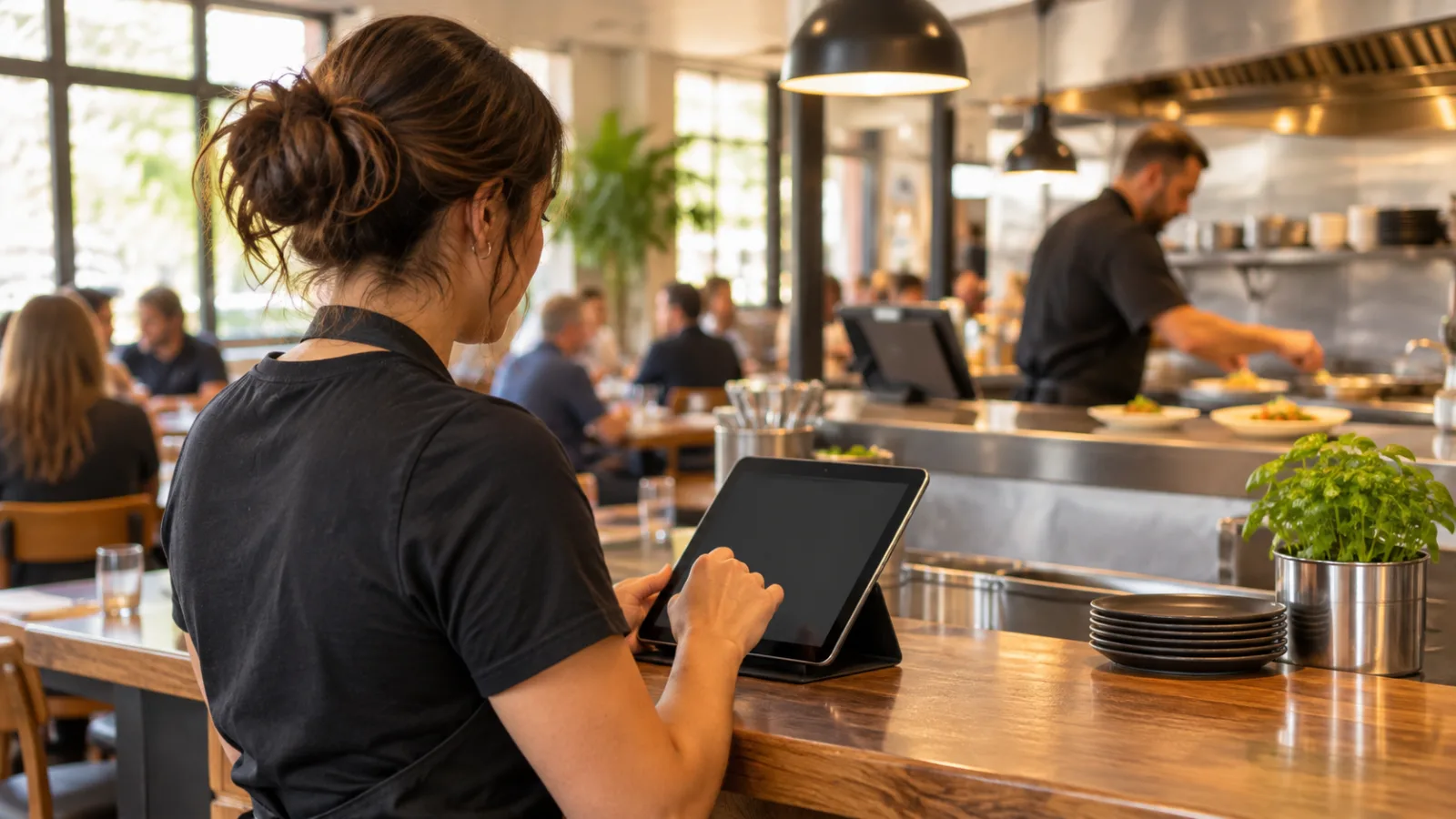
Restaurant POS System in Bridgeport, CT: A Tablet-First Guide to Running Your Restaurant
Running a restaurant in Bridgeport means keeping the dining room, kitchen, employees, payments, and daily numbers moving together, often while working with a small team and limited time. A tablet-first restaurant POS system in Bridgeport can bring those jobs into one operating workflow, using devices you may already own instead of building your entire operation around traditional cash registers and dedicated terminals.
Start with the devices your restaurant already owns
Before purchasing new equipment, take inventory of what is already available. A restaurant may have an iPad at the counter, an Android tablet used for administrative tasks, an iPhone carried by a manager, and a computer in the office.
These devices can become part of the same operating system if the POS platform supports them.
The important distinction is between owning compatible hardware and having a reliable operating setup. A tablet that works well for entering orders may not be the best device for managing reports. A phone can help a manager check information without returning to the office, but it may be too small for handling complicated administrative tasks.
Think about the restaurant in three operating zones:
- Front of house: Order entry, table management, payments, and customer service.
- Kitchen: Incoming orders, preparation status, modifications, and communication.
- Management: Employee hours, sales reports, taxes, tips, and closing procedures.
The goal is not to put every function on every device. It is to make information available where employees need it.
Start by identifying which devices can remain stationary, which need to move around, and which should be reserved for management. This avoids unnecessary equipment purchases and gives each device a defined responsibility.
Also check practical requirements. Devices need dependable power, stable connectivity, secure access, and a location where employees can use them without creating clutter.
A tablet-first setup should make the restaurant easier to operate, not create another collection of equipment that employees must manage.
The dining room becomes less dependent on a fixed register
On the floor, the biggest change is mobility.
In a traditional setup, employees often walk to a central terminal to enter orders, check a ticket, or process a payment. That creates a predictable bottleneck when several people need the same workstation.
A tablet-based POS can distribute those activities.
A server can enter an order from an appropriate device, select the correct table, add modifiers, and send the information to the kitchen without returning to a fixed register. A manager can review an open check or verify an order while moving through the restaurant.
This changes the pace of service because employees spend less time traveling between work areas.
However, mobility only helps when the interface is organized properly.
A good ordering screen should make the most common actions easy to find. Organize the menu into logical categories, keep frequently ordered items accessible, and make modifiers understandable.
For example, a sandwich order might require employees to select the bread, choose additions, identify exclusions, and enter special instructions. If these options are scattered across several screens, a mobile device will not solve the underlying problem.
Test the entire ordering process on the actual screen size employees will use.
Pay attention to:
- How many taps are required to enter a typical order.
- Whether modifiers are easy to distinguish.
- How clearly employees can identify the correct table.
- Whether an order can be reviewed before submission.
- How quickly a payment can be completed.
- Whether staff can correct mistakes without creating duplicate tickets.
A smaller device also makes screen layout more important. Buttons should be large enough to use during a busy service, and important information should not disappear behind unnecessary menus.
Keep payment procedures consistent. If employees use different devices, establish one clear process for closing checks, handling split payments, and confirming completed transactions.
A restaurant should never depend on an employee remembering which device has the latest information.
The kitchen receives better information when orders follow one path
The kitchen is where inconsistent communication becomes expensive.
A server may enter a modification verbally, write it on a ticket, or send a message to another employee. Each additional communication method creates another opportunity for an incorrect order.
A connected POS workflow reduces that fragmentation.
When an employee submits an order from a tablet, the kitchen should receive the same item selections and instructions that were entered at the table or counter.
This matters especially when a menu contains multiple preparation options.
Consider a dish with several possible sides, ingredient exclusions, and preparation instructions. The kitchen needs to see those details in a consistent format, not interpret an abbreviated description that leaves room for mistakes.
Before choosing a restaurant POS system in Bridgeport, examine how it handles:
- Item modifiers and substitutions.
- Special preparation instructions.
- Order grouping and ticket organization.
- Different preparation stations.
- Changes made after an order is submitted.
- Takeout orders alongside dine-in orders.
The best arrangement depends on the kitchen's actual workflow.
A smaller operation may need one clearly organized order screen. A more complex kitchen may benefit from separate preparation views so employees can concentrate on the work assigned to them.
Do not assume that putting a tablet in the kitchen automatically improves communication. Someone must decide where the device belongs, who monitors incoming orders, and how employees acknowledge completed work.
The kitchen also needs a backup procedure. Decide what happens if a tablet loses power, connectivity becomes unreliable, or an order needs to be communicated immediately.
A simple written contingency procedure is better than improvising during a busy service.
Delivery and takeout need the same operational discipline
Takeout and delivery introduce additional information into the order.
A restaurant must know what was ordered, where it needs to go, when it is expected, and whether the customer has paid.
When these details are spread across separate systems, employees may have to re-enter information or check multiple screens.
A tablet-first workflow should make it possible to manage incoming orders alongside the rest of the restaurant's operations.
Delivery areas deserve particular attention. Different service areas may have different travel requirements, fees, and estimated delivery times.
Instead of treating delivery as one generic option, define service areas according to how the restaurant actually operates.
ZIP-code-based delivery areas provide one way to organize that process. Each area can have its own fee and estimated time, making expectations clearer before an order is accepted.
Also establish procedures for:
- Confirming the customer's delivery information.
- Checking that every order includes the required items.
- Identifying special instructions.
- Coordinating preparation and dispatch.
- Recording delivery-related charges.
- Reviewing completed orders at closing.
For takeout, pay attention to pickup timing and packaging. A completed kitchen ticket does not necessarily mean the order has been handed to the customer.
Employees should have a clear way to distinguish orders being prepared, orders ready for pickup, and orders already completed.
The purpose of the system is to make the order's status visible without requiring someone to ask the kitchen repeatedly.
Connecticut sales tax needs to be configured correctly
A restaurant's POS configuration affects more than the customer-facing receipt. It also affects the accuracy of sales records and the work required during financial closing.
For restaurant meals in Connecticut, the combined sales tax rate is 7.35%.
That consists of the general sales tax rate of 6.35% plus an additional 1% on meals. Connecticut does not impose local sales taxes, so the same combined rate applies across the state.
This is important when configuring a POS system in Bridgeport. You do not need to create a different restaurant-meal tax rate simply because a customer orders from a different Connecticut municipality.
The system should nevertheless allow you to distinguish categories when different tax treatment applies.
For example, a restaurant may sell prepared meals alongside other products. Those categories should be reviewed rather than automatically assigning the same tax configuration to everything.
Hypothetical example:
A customer orders $48.00 in food.
| Description | Amount |
|---|---|
| Food subtotal | $48.00 |
| Sales tax at 7.35% | $3.53 |
| Total | $51.53 |
The $3.53 tax amount is the rounded result of applying 7.35% to the $48.00 subtotal.
Check how the POS calculates and rounds tax across individual items and entire transactions. The system should produce understandable receipts and reports that can be reconciled with the restaurant's accounting records.
Before going live, test several transactions, including different menu categories, discounts, and refunds.
Do not assume that entering one tax percentage completes the entire compliance process. Confirm current tax treatment, filing requirements, and configuration with the Connecticut Department of Revenue Services or a qualified tax professional.
Labor costs belong in the same management workflow
A tablet-first POS can also help connect employee time records with daily restaurant operations.
For Connecticut restaurants, the supplied minimum wage figures are:
- General minimum wage: $16.94 per hour.
- Restaurant tipped employee cash wage: $6.38 per hour.
- Bartender cash wage: $8.23 per hour.
Bartenders have a different cash wage, so do not automatically assign the same tipped-role configuration to every employee.
This distinction should be reflected in employee records and payroll procedures.
A useful POS workflow lets employees clock in and out using an authorized tablet or computer. Managers can then review recorded hours, identify missing punches, and compare scheduled work with actual time records.
However, time tracking and payroll compliance are not the same thing. A clock-in record does not independently establish that the correct wage, tip treatment, overtime calculation, or other payroll requirement has been applied.
Hypothetical example:
One employee works a six-hour shift at the general minimum wage of $16.94.
The employee's base wages are $101.64 before payroll taxes.
This example does not include payroll taxes, benefits, overtime, or other employment-related costs.
For tipped employees, maintain separate records for the applicable role and compensation arrangement. Bartenders should not simply inherit the restaurant server configuration.
Review employee classifications and current labor requirements with the Connecticut Department of Labor or a qualified payroll professional. Confirm that any tip-credit arrangement is permitted and correctly administered before relying on it.
Tip distribution should be transparent and repeatable
Tip distribution can become a source of disagreement when the process changes from one shift to another.
A restaurant should establish its tip-sharing policy before configuring the POS.
Two possible approaches are percentage-based distribution and distribution based on hours worked.
A percentage-based arrangement assigns each eligible employee a predetermined share according to the restaurant's policy.
An hours-based arrangement distributes the eligible pool according to the hours each participating employee worked.
The difference matters.
A percentage-based system can reflect different job responsibilities, while an hours-based system emphasizes time worked. Neither approach should be selected without considering applicable labor rules and the restaurant's compensation policies.
Whatever method is used, employees should be able to understand how the distribution was calculated.
Managers should be able to review:
- Which employees participated.
- Which shifts were included.
- The hours recorded.
- The applicable sharing method.
- The resulting distribution.
Avoid relying on handwritten calculations that are difficult to reproduce later.
A POS can help organize the records, but management remains responsible for ensuring that the arrangement complies with applicable requirements.
Closing becomes a daily reconciliation instead of a collection of screenshots
The end of the day is where a connected operating system should demonstrate its value.
Instead of collecting figures from separate devices, managers should be able to review the restaurant's activity through a consistent reporting workflow.
A useful closing routine should cover five areas.
1. Sales
Review gross sales, discounts, refunds, voids, and net sales. Investigate unusual adjustments before completing the close.
2. Payments
Compare recorded cash, card transactions, and other accepted payment methods. Identify differences between expected and actual amounts.
3. Taxes
Review taxable sales and the tax collected. Confirm that the sales categories and applied tax rates match the restaurant's configuration.
4. Employees and tips
Check clock-in records, missing punches, employee hours, and tip distribution information. Resolve discrepancies while the shift is still fresh in everyone's memory.
5. Open orders
Verify that no order remains unintentionally open, duplicated, or incorrectly marked as completed.
A manager should also document any unresolved discrepancy.
For example, if the cash drawer does not match the expected amount, record the difference and investigate it rather than changing a sales record simply to make the totals agree.
The same principle applies to payment records and tax reports.
A reliable closing process produces a consistent record of what happened, what was collected, and what still needs attention.
Choose hardware and software as one operating decision
The cheapest device arrangement is not necessarily the most practical one.
Before adopting a tablet-first system, test it during a realistic service simulation.
Use the same devices that employees will actually operate. Enter a complicated order, modify it, send it to the kitchen, process a payment, and review the resulting transaction.
Then repeat the exercise with someone who has never used the interface.
This reveals problems that a product demonstration may not expose.
Evaluate these requirements:
| Area | What to evaluate |
|---|---|
| Compatibility | Support for the devices you already own |
| Ordering | Clear menus, modifiers, and order corrections |
| Kitchen | Reliable ticket communication and organization |
| Payments | Consistent checkout and transaction records |
| Delivery | Configurable service areas, fees, and estimates |
| Employees | Role-specific timekeeping and records |
| Tips | Transparent distribution calculations |
| Reporting | Sales, taxes, payments, and closing reports |
| Reliability | Backup procedures and dependable access |
| Security | Individual accounts and appropriate permissions |
Also decide which functions need to remain available to managers and which should be accessible to all employees.
A server does not necessarily need permission to change tax settings. A kitchen employee does not necessarily need access to payroll information.
Individual accounts and role-based permissions help establish accountability.
The operating system should support the way the restaurant works without giving every employee unnecessary administrative access.
CounterChef: a tablet-first option for restaurant operations
CounterChef supports iPad, Android tablet, iPhone, and computer use. You can enter the combined sales tax rate with up to three decimals and configure different rates by category; delivery areas use ZIP codes with their own fee and estimated time; employees clock in on a tablet or computer; and tips can be shared by percentage or by hours worked.
Bridgeport restaurant questions
Can I run a restaurant with tablets instead of traditional POS terminals?
Yes. A restaurant can use compatible tablets, phones, and computers for different operating responsibilities instead of relying exclusively on dedicated POS terminals. The important requirements are dependable connectivity, appropriate device placement, secure employee access, and a backup procedure for technical interruptions. Test the entire ordering and payment process before replacing existing equipment.
What sales tax rate should a restaurant use in Bridgeport, CT?
The combined sales tax rate on restaurant meals is 7.35%, consisting of Connecticut's 6.35% general rate plus an additional 1% on meals. There are no local sales taxes, so this rate applies across Connecticut. Individual product categories may require different treatment. Confirm current requirements and your specific configuration with the Connecticut Department of Revenue Services or a tax professional.
Can a restaurant use one employee clock-in device for the entire team?
Yes. An authorized tablet or computer can serve as a shared clock-in point. Each employee should have an identifiable account or clock-in procedure so that the records remain attributable to the correct person. Managers should review missed punches, incorrect entries, and hours worked before payroll is finalized. Confirm current wage and timekeeping requirements with the Connecticut Department of Labor or a qualified payroll professional.
What should I check before choosing a restaurant POS system in Bridgeport?
Start with the restaurant's actual daily workflow. Confirm that the system supports your existing devices, handles menu modifications correctly, communicates orders to the kitchen, processes payments consistently, and provides useful closing reports. Then examine its tax configuration, employee timekeeping, tip distribution, delivery settings, permissions, and backup procedures. Finally, run a complete service simulation with your staff. A POS should make the restaurant easier to operate during a busy shift and easier to reconcile when the doors close.
How to set this up in CounterChef
Enter your tax rate
Set 7.35% in Settings, under Tax, then ring a test item and check the receipt. Confirm the rate for your exact address first.
Read about restaurant posPrice delivery by ZIP code
Create areas for the Bridgeport ZIP codes you can reach well, each with its own fee and estimated time.
Read about zones and fees by zipRun delivery yourself
Keep your own menu and drivers in one system, from the order to the driver settlement.
Read about delivery overviewMore for Bridgeport restaurant owners
Running a restaurant in Bridgeport?
Tell us how your restaurant runs. We will walk you through the parts that matter to you.