
Restaurant POS System in Wilmington, DE
Restaurants in Wilmington charge no sales tax on meals and pay at least $15.00 an hour. Here is what that means for your POS setup.
WILMINGTON RESTAURANT NUMBERS
Checked 11/18/2026 against official sources
What these rules mean for Wilmington restaurants
Delaware has no state or local sales tax, so the tax line on a Wilmington receipt stays empty. Restaurants file a gross receipts tax with the state instead, which is a cost of the business, not a charge on the guest check.
Combined sales tax on restaurant meals: Delaware Division of Revenue, business licenses FAQ.
Minimum wage: US Department of Labor, state tipped wage table.
Tipped minimum cash wage: US Department of Labor, state tipped wage table.
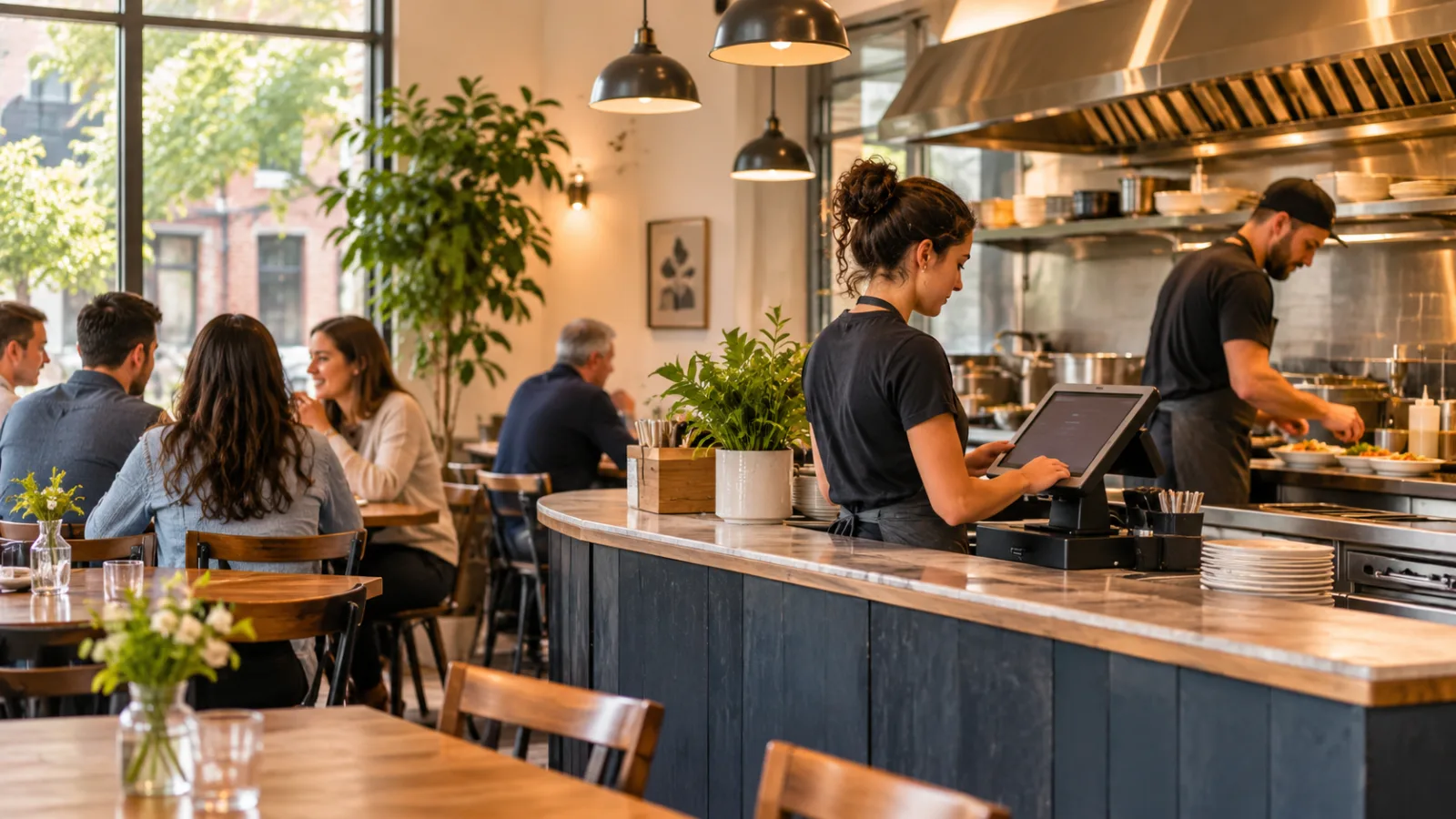
Running a Restaurant in Wilmington, DE: A Practical Guide to Choosing a POS System
Running a small restaurant in Wilmington means keeping service moving without making every task depend on another person, another screen, or another interruption. When you have a tiny team, the right restaurant POS system in Wilmington should take repetitive work off your hands while leaving the judgment, hospitality, and flexibility that make an independent restaurant worth visiting in your hands.
Build your restaurant around a small team, not a complicated system
A small restaurant rarely has someone dedicated to inventory, scheduling, accounting, customer service, and technology. The owner may be taking orders in the morning, checking deliveries at midday, helping the kitchen during the rush, and reviewing sales after closing.
That is why the first question when choosing a POS system is not how many features it offers. It is whether the system reduces the number of things you have to remember during a busy shift.
Start by identifying the tasks that repeatedly pull you away from customers or food preparation. Think about orders written on scraps of paper, payments that need to be reconciled manually, employees asking what is in an order, and end-of-day totals that take too long to organize.
A POS system should help bring those activities into one reliable routine. The goal is not to automate every part of the restaurant. It is to make the basic operation less dependent on the owner's memory.
In a small Wilmington restaurant, that distinction matters. A system that is easy to learn, quick to use, and dependable during a lunch rush can be more useful than an elaborate platform that requires constant attention.
Automate the tasks that happen every single day
Start with repeatable tasks that have clear rules.
The best first automation projects are the ones your team performs repeatedly and in roughly the same way every day.
Start with order entry
Paper tickets and verbal instructions are workable when the restaurant is quiet. They become less dependable when the dining room fills up, takeout orders arrive, and the kitchen is preparing several dishes at once.
A POS system can standardize how orders are entered, how modifications are recorded, and how tickets reach the kitchen. If a customer requests a modification, the employee should be able to enter it directly into the order instead of relying on memory or handwriting.
For a small team, that removes unnecessary communication between the person taking the order and the person preparing it.
Automate payment recording
Payments should be connected to the original order whenever possible. This makes it easier to see which checks have been paid, which remain open, and what the day's sales look like.
A well-organized checkout process also reduces the need to reconstruct transactions at the end of a shift. Cash, card payments, adjustments, and tips should be recorded through a consistent workflow.
Organize the menu
Keep the digital menu simple. Group products logically, use clear names, and make common items easy to find.
Modifiers such as side choices, cooking preferences, add-ons, and substitutions should be configured only when they genuinely apply. Too many unnecessary choices make the checkout process slower.
A menu that a new employee can navigate without asking the owner for help is a valuable operational improvement.
Make sales reports automatic
Daily sales summaries should not require the owner to manually calculate every total. A POS system can organize sales by category, payment method, employee, and time period, depending on its reporting capabilities.
Use that information to answer practical questions:
- Which menu items sell consistently?
- When does the kitchen become busiest?
- Are sales concentrated in particular hours?
- Are discounts or adjustments being used correctly?
- Does the recorded cash match what is in the drawer?
Reports are useful only when they lead to decisions. Start with a few questions and avoid spending time on dashboards that do not change how the restaurant operates.
Keep kitchen communication simple and consistent
The kitchen is often where a small restaurant feels the pressure first. An order can be entered correctly at the counter and still create confusion if the kitchen receives incomplete instructions, if tickets are difficult to read, or if staff have to ask repeatedly about priority.
A POS system should make kitchen communication clearer, not create another layer of work.
Think about how your kitchen actually operates. Does one person prepare everything? Are different stations responsible for certain items? Does the kitchen need to see modifications, quantities, or special instructions immediately?
Configure the system around those real workflows.
If the kitchen uses a display, tickets should be organized in a way that helps employees understand what to prepare next. If paper tickets are more practical, printed tickets should be clear and consistent. Digital screens are not automatically better if your kitchen staff can work faster with a reliable printed ticket.
The most important thing is that the information reaches the right person without someone having to repeat it.
Use ticket times to find bottlenecks
Ticket times can help you understand service rather than simply judge employees.
Look for patterns. If orders regularly take longer during a certain period, determine whether the problem is order volume, menu complexity, preparation, or communication.
A small restaurant can use this information to make practical changes. You might simplify a menu item, prepare an ingredient earlier, adjust the order in which tasks are completed, or reorganize the kitchen station.
The purpose of tracking preparation times is to improve the process. It should not become a reason to pressure employees without understanding what is happening behind the counter.
Keep inventory and purchasing partly manual
Inventory is one of the areas where owners often try to automate too early.
A POS system with inventory features may help track ingredients, recipes, product usage, and stock levels. However, the numbers are only reliable if the recipes, portions, purchasing records, and actual usage are reasonably accurate.
For a small restaurant, I would start with a short inventory routine rather than attempting to track every ingredient automatically from the first day.
Keep a manual count of your most important ingredients. These are the products that are expensive, frequently used, easily wasted, or essential to your menu.
Record deliveries and compare them with what you ordered. Check the quantities received before confirming the purchase. Keep an eye on ingredients that spoil quickly, and use a consistent method for rotating stock.
Once the routine is dependable, gradually introduce digital tracking for the ingredients where it makes the most difference.
What I would automate:
- Sales-based product usage, where recipes and portions are properly configured.
- Purchase records and supplier invoice organization.
- Alerts for items approaching a defined stock threshold.
- Recipe costing and menu margin analysis.
What I would continue checking by hand:
- Physical counts of critical ingredients.
- The quality and condition of delivered food.
- Portion sizes and actual preparation practices.
- Waste, spoilage, and unusual ingredient usage.
Software can identify a discrepancy, but someone still needs to look at the food, the storage area, and the process.
Understand Wilmington's tax and payroll responsibilities
Delaware has no state or local sales tax. For a restaurant operating in Wilmington, that means the sales tax line on the guest receipt stays empty. A hypothetical $48.00 food check carries no sales tax, so the total remains $48.00. State of Delaware
That does not mean the restaurant has no tax responsibilities. Delaware imposes a gross receipts tax on businesses, including businesses selling goods and services. This is a business obligation, not a sales tax added to the customer's check. The applicable filing and tax treatment depend on the business activity. State of Delaware
Your POS reporting should help you keep business records organized, but the system does not replace your accounting responsibilities. Make sure your reports, deposits, receipts, and records are organized for the person handling your bookkeeping or taxes.
Plan staffing with real shift costs in mind
Small restaurants often have limited flexibility when scheduling employees. A shift that looks manageable on paper can become expensive if the team is not assigned efficiently.
Delaware's stated minimum wage is $15.00, and its tipped minimum cash wage is $2.23. Confirm current rates, eligibility, tip-credit requirements, and labor rules with the official agency or a qualified payroll professional before relying on them. delcode.delaware.gov
Hypothetical example: One employee working a 6-hour shift at $15.00 costs $90.00 in base wages before payroll taxes.
That calculation is useful for understanding the basic wage cost of a shift, but the real payroll expense can be higher. Keep payroll calculations separate from assumptions about tips, payroll taxes, and other employer obligations.
Use your POS or scheduling workflow to help organize employee hours and sales by shift. Then review whether the schedule matches the restaurant's actual activity.
The goal is not to cut staffing to the minimum possible level. It is to avoid paying for hours that are poorly planned while making sure the team has enough support when service gets busy.
Decide what you still need to do manually
A small restaurant should not automate everything just because the technology is available.
Some tasks benefit from personal attention. Checking the quality of ingredients, talking with customers, adjusting a recipe, handling an unusual complaint, and making decisions about the day's preparation are still better handled by someone who understands the restaurant.
I would keep a simple daily checklist:
- Opening: Check the cash drawer, ingredients, equipment, and menu availability.
- During service: Watch orders, kitchen workload, customer experience, and stock.
- Closing: Reconcile payments, review sales, record waste, and prepare for the next day.
Automate the repetitive recordkeeping around that checklist. Keep the physical checks and decisions in the hands of the people responsible for the restaurant.
This balance prevents the system from becoming something the owner has to babysit.
Choose a POS that supports the way you actually work
When evaluating a restaurant POS system in Wilmington, focus on the operational basics rather than the size of the feature list.
Ask whether employees can enter orders without unnecessary steps, whether the kitchen receives clear instructions, whether checkout is straightforward, and whether you can review useful sales reports without spending an hour navigating menus.
CounterChef, for example, lets you enter the combined sales tax rate with up to three decimals and set different rates by category; delivery areas use ZIP codes with their own fee and estimated time; employees clock in on a tablet or computer; tips can be shared by percentage or by hours worked; and it runs on iPad, Android tablet, iPhone and computer.
Whatever system you evaluate, test the actual workflows your employees will use. Have someone enter an order, modify it, send it to the kitchen, complete payment, and review the transaction afterward. If the process feels unnecessarily complicated during a quiet demonstration, it is unlikely to feel better during a busy shift.
Wilmington restaurant questions
Does a restaurant in Wilmington charge sales tax on food?
No. Delaware has no state or local sales tax, so the sales tax line on a Wilmington restaurant receipt stays empty. Restaurants still have state gross receipts tax responsibilities, which are business obligations rather than taxes added to the guest check. Confirm your specific tax obligations with the official state agency or a tax professional. State of Delaware
What should a small restaurant automate first?
Start with order entry, kitchen communication, payment recording, daily sales reports, and employee timekeeping. These are repetitive tasks that can be standardized without removing the personal judgment needed to run the restaurant.
Is a kitchen display system necessary for a small restaurant?
Not necessarily. A kitchen display can improve order organization and make ticket times easier to monitor, but clear printed tickets may work just as well. Choose the approach that fits your kitchen, your menu, and the way your team communicates.
How should I compare POS systems before choosing one?
Test a real order from beginning to end. Check menu modifications, kitchen routing, checkout, reporting, employee timekeeping, and the ease of correcting mistakes. Confirm that the system supports your operating needs and verify current tax and labor requirements with the official agency or a professional.
How to set this up in CounterChef
Enter your tax rate
Leave the sales tax rate empty in Settings, under Tax, then ring a test item and check the receipt.
Read about restaurant posPrice delivery by ZIP code
Create areas for the Wilmington ZIP codes you can reach well, each with its own fee and estimated time.
Read about zones and fees by zipRun delivery yourself
Keep your own menu and drivers in one system, from the order to the driver settlement.
Read about delivery overviewMore for Wilmington restaurant owners
Running a restaurant in Wilmington?
Tell us how your restaurant runs. We will walk you through the parts that matter to you.