
Restaurant POS System in Little Rock, AR
Restaurants in Little Rock charge 8.625%, plus 2% A&P tax on prepared food in sales tax on meals and pay at least $11.00 an hour. Here is what that means for your POS setup.
LITTLE ROCK RESTAURANT NUMBERS
Checked 11/18/2026 against official sources
What these rules mean for Little Rock restaurants
Arkansas charges 6.5%, the city 1.125% and Pulaski County 1%, for 8.625%. Little Rock also requires businesses selling prepared food to collect a 2% advertising and promotion tax, which does not apply to mixed drinks.
Combined sales tax on restaurant meals: Arkansas DFA city and county tax table, 2026.
Minimum wage: US Department of Labor, state tipped wage table.
Tipped minimum cash wage: US Department of Labor, state tipped wage table.
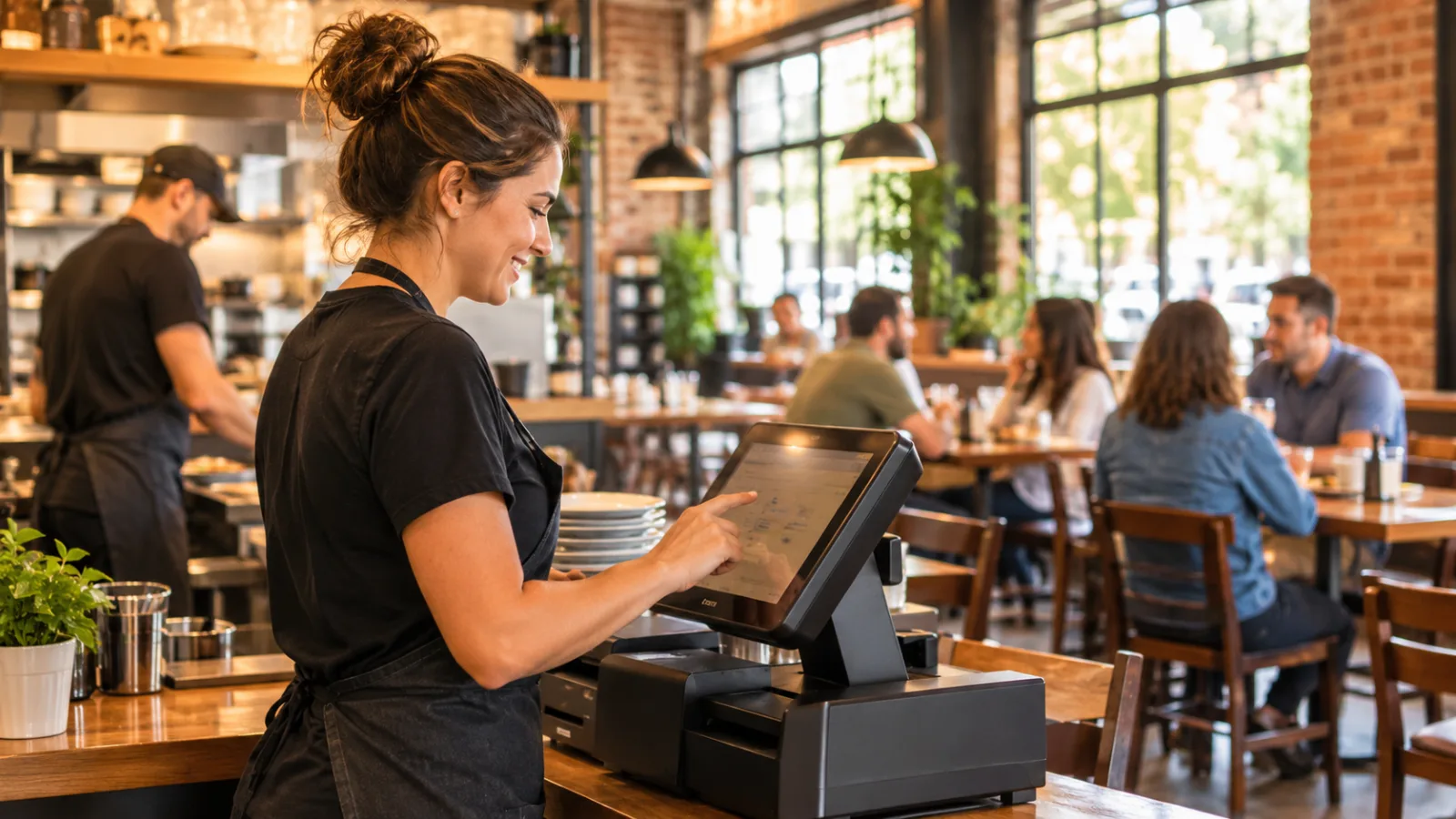
Restaurant POS System in Little Rock: Avoid These Costly Switching Mistakes
Switching to a new point-of-sale system can solve long-standing problems, but it can also create new ones if the change is rushed. The safest approach is to treat a POS change like an operational project, with every step planned before the first guest order is entered.
Mistake 1: Switching before you understand every tax you collect
Many owners focus on menus and payment processing first, then discover later that their tax setup does not match how they actually sell food.
In Little Rock, tax configuration deserves attention before anything else. Restaurant meals use a combined sales tax of 8.625%, made up of Arkansas at 6.5%, the city at 1.125%, and Pulaski County at 1%, for a combined 8.625%. Businesses selling prepared food in Little Rock also collect a 2% advertising and promotion (A&P) tax on prepared food, which does not apply to mixed drinks.
Before switching:
- List every product category you sell.
- Decide which tax applies to each category.
- Verify that reports separate taxable sales in a way that matches your accounting process.
- Run sample transactions before opening day.
Do not assume the default settings from your previous system are correct. A copied mistake is still a mistake.
Hypothetical example
A $48.00 food check at 8.625%, plus 2% A&P tax on prepared food carries $4.14 in sales tax for a total of $52.14.
Use examples like this during testing so everyone can compare the expected receipt with what the new system produces.
Mistake 2: Waiting until the last week to clean your menu
A POS migration often reveals years of small inconsistencies.
Duplicate menu items, outdated modifiers, inconsistent names, and unused options all slow down staff and make reports harder to understand.
Before importing anything:
- Remove discontinued items.
- Standardize names.
- Review modifier groups.
- Confirm prices.
- Check whether categories still match your kitchen workflow.
A clean menu is easier to train, easier to report on, and easier to maintain after the switch.
Mistake 3: Forgetting that labor settings matter as much as sales
A restaurant spends every day managing labor. If employee settings are wrong, payroll review becomes more difficult even when guest service goes well.
Little Rock restaurant owners should verify wage settings before the first shift.
The local minimum wage is $11.00, while the tipped minimum cash wage is $2.63.
Every employee should be assigned the correct job, pay category, and permissions before opening.
Hypothetical example
One employee working a 6-hour shift at $11.00 per hour costs $66.00 in base wages before payroll taxes.
Running examples like this during setup helps confirm that hours, wage rates, and reports are working as expected.
Mistake 4: Moving data without checking its quality
Many owners assume customer information, inventory, and historical sales will transfer perfectly.
Sometimes they do.
Sometimes they do not.
Before shutting down the old system:
- Compare item counts.
- Compare customer records.
- Compare gift card balances if applicable.
- Compare inventory names.
- Compare employee records.
Spot-checking only a few records is rarely enough. Review enough information to feel confident that daily operations will continue smoothly.
Mistake 5: Training everyone in one long meeting
A single training session usually produces poor results.
Servers remember ordering.
Managers remember reports.
Kitchen staff remember production screens.
Cashiers remember payments.
Instead, train employees using the tasks they perform every day. Let them enter orders, split checks, apply discounts, correct mistakes, and close tickets repeatedly before the restaurant becomes busy.
Practice should happen with realistic orders rather than simple demonstrations.
Mistake 6: Ignoring busy periods during the transition
Little Rock restaurants experience changing demand throughout the year as seasons change and visitors move through the city. Those shifts affect staffing, inventory, and service speed.
Avoid scheduling a major POS change immediately before an especially busy period.
Whenever possible:
- Complete training first.
- Test every payment method.
- Practice manager functions.
- Verify reports.
- Schedule additional staff during the first days after the switch.
A slower opening period gives everyone time to become comfortable before volume increases.
Mistake 7: Giving every employee every permission
New systems often begin with default security settings.
That does not mean everyone should have the same access.
Separate responsibilities whenever possible.
Different roles may require different permissions for:
- Refunds.
- Discounts.
- Price changes.
- Voids.
- Payroll information.
- Reporting.
- Menu editing.
Permission levels protect both employees and owners while making unusual activity easier to review.
Mistake 8: Failing to test the entire guest experience
Owners sometimes verify that an order can be entered, then stop testing.
Instead, walk through an entire visit.
Test:
- Greeting the guest.
- Entering the order.
- Sending food.
- Adding items.
- Splitting checks.
- Accepting different payment types.
- Recording tips.
- Printing receipts.
- Closing the shift.
- Reviewing end-of-day reports.
Every step should match how your restaurant actually operates.
Mistake 9: Forgetting to review reports before opening
Reports should answer operational questions, not create new ones.
Before launch, review whether managers can quickly see:
- Daily sales.
- Sales by category.
- Labor information.
- Payment summaries.
- Tax reporting.
- Tip reporting.
A report that is technically correct but difficult to understand often becomes a report nobody uses.
Mistake 10: Not planning for internet or equipment problems
Technology occasionally fails.
Good restaurants prepare for that before it happens.
Create written procedures explaining:
- Who restarts equipment.
- Where backup supplies are stored.
- How managers contact support.
- How receipts are handled if hardware stops working.
- How employees continue serving guests during interruptions.
Simple written procedures reduce confusion when the dining room is full.
Mistake 11: Changing everything at once
Switching hardware, redesigning the menu, changing recipes, updating prices, and introducing new operating procedures on the same day creates unnecessary risk.
Whenever possible, separate large operational changes.
If the POS must change now, keep other operational changes to a minimum until the staff becomes comfortable with the new workflow.
Stable operations make it easier to identify and solve problems quickly.
A practical checklist before you go live
Before opening with a new POS system, confirm that you can answer "yes" to each question:
- Are all menu items correct?
- Are taxes configured correctly?
- Have employees completed hands-on training?
- Have wage settings been reviewed?
- Are permission levels assigned?
- Have reports been tested?
- Has the entire guest journey been practiced?
- Is there a written backup plan for equipment issues?
- Have managers reviewed the first-day checklist?
Checking these items takes less time than fixing avoidable mistakes during service.
One example of features worth checking
When comparing systems, focus on whether the features match your daily operation. For example, CounterChef allows you to enter the combined sales tax rate with up to three decimals and set different rates by category; delivery areas use ZIP codes with their own fee and estimated time; employees clock in on a tablet or computer; tips can be shared by percentage or by hours worked; and it runs on iPad, Android tablet, iPhone, and computer.
Finish the switch with verification, not assumptions
A successful POS change is usually the result of preparation rather than speed.
Test taxes before opening. Verify labor settings before scheduling employees. Practice real orders instead of watching demonstrations. Review reports before relying on them. Most importantly, confirm all applicable tax rates, labor rules, and reporting requirements with the appropriate official agency or a qualified accounting or payroll professional before relying on any POS configuration.
Little Rock restaurant questions
How long should a restaurant spend preparing for a POS switch?
Preparation varies by restaurant, but owners should complete menu review, employee training, tax configuration, permission setup, and full transaction testing before using the new system with guests.
What should I test first after installing a new POS?
Start with the complete ordering process from the first item entered through payment, tip handling, receipt printing, and end-of-day reporting. Testing the entire workflow is more useful than checking individual features in isolation.
Why is tax setup one of the most important parts of the switch?
Tax settings affect every sale. Confirm that restaurant meals use the combined 8.625% sales tax and that the 2% advertising and promotion tax on prepared food is configured where appropriate, remembering that it does not apply to mixed drinks. Always verify current requirements with the official agency or a qualified professional.
What is the biggest mistake owners make during a POS migration?
The biggest mistake is treating the switch as a software installation instead of an operational change. Careful planning, staff practice, thorough testing, and verification of tax and labor rules greatly reduce the risk of problems once the restaurant opens.
How to set this up in CounterChef
Enter your tax rate
Set 8.625%, plus 2% A&P tax on prepared food in Settings, under Tax, then ring a test item and check the receipt. Confirm the rate for your exact address first.
Read about restaurant posPrice delivery by ZIP code
Create areas for the Little Rock ZIP codes you can reach well, each with its own fee and estimated time.
Read about zones and fees by zipRun delivery yourself
Keep your own menu and drivers in one system, from the order to the driver settlement.
Read about delivery overviewMore for Little Rock restaurant owners
Running a restaurant in Little Rock?
Tell us how your restaurant runs. We will walk you through the parts that matter to you.