
Restaurant POS System in Charleston, WV
Restaurants in Charleston charge 7.00% in sales tax on meals and pay at least $8.75 an hour. Here is what that means for your POS setup.
CHARLESTON RESTAURANT NUMBERS
Checked 11/18/2026 against official sources
What these rules mean for Charleston restaurants
West Virginia charges 6%, and Charleston adds a 1% municipal sales tax, for 7%. The state minimum is $8.75, and employers can take a tip credit of up to 70% of it.
Combined sales tax on restaurant meals: WV Tax Division, municipal sales and use tax.
Minimum wage: US Department of Labor, state tipped wage table.
Tipped minimum cash wage: US Department of Labor, state tipped wage table.
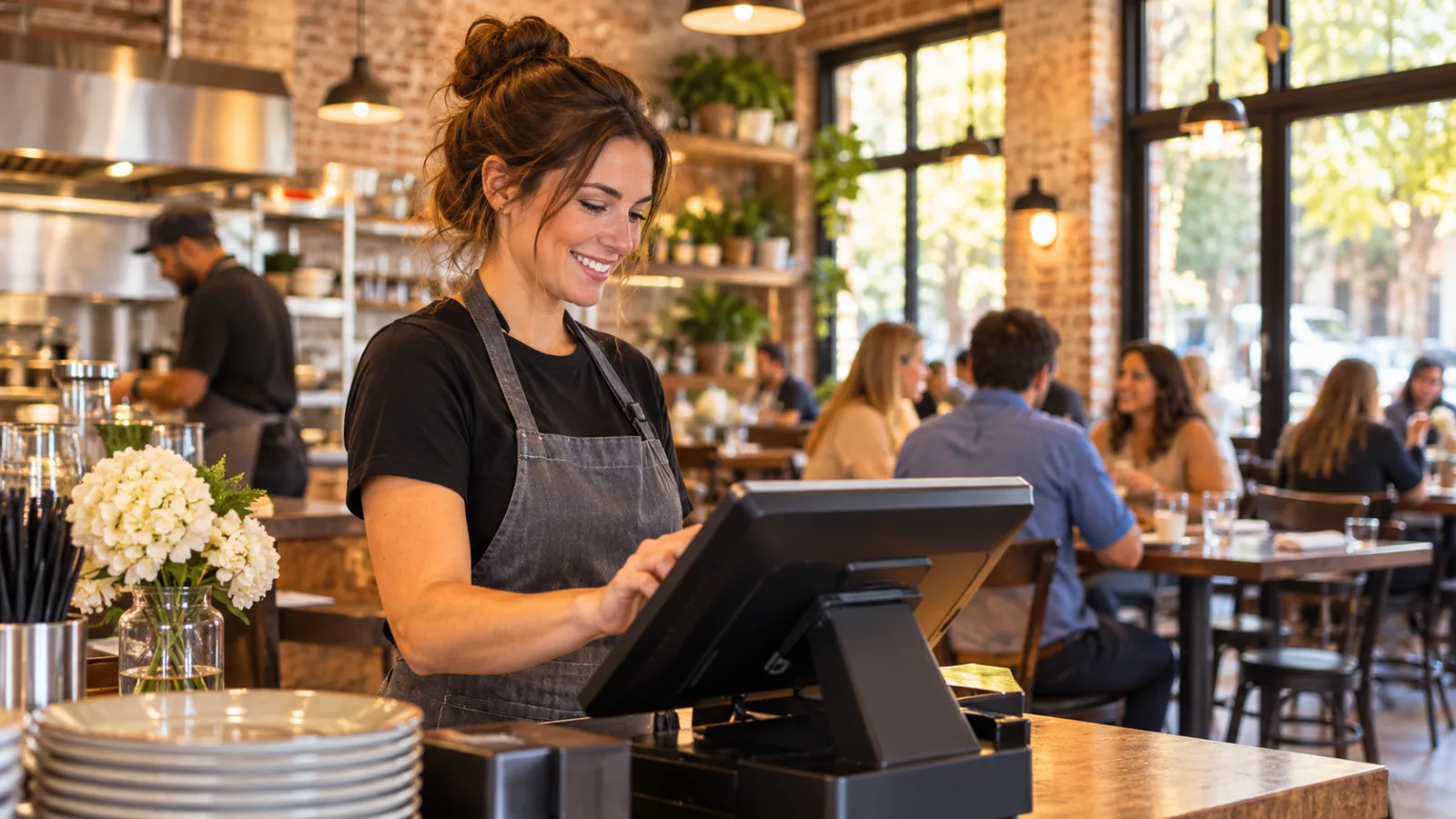
Charleston, WV Restaurant POS Buying Scorecard: How to Choose the Right Restaurant POS System in Charleston
Choosing a restaurant POS system in Charleston is less about flashy features and more about whether the system helps you run the business accurately every day. Use this scorecard to compare vendors by asking practical questions tied directly to taxes, payroll, reporting, and daily operations that matter in Charleston.
Does the POS calculate the correct restaurant sales tax every time?
This should be your first question because every guest check depends on it.
Restaurant sales in Charleston are subject to a combined sales tax of 7.00%. West Virginia charges 6%, and Charleston adds a 1% municipal sales tax, for 7%.
Ask every vendor:
- Can the tax rate be configured precisely?
- Can tax be applied automatically to taxable menu items?
- Can tax reports be exported for accounting?
- Can tax settings be adjusted if official rates change in the future?
A POS should remove manual calculations from daily service. Staff should not have to remember percentages during busy shifts.
Hypothetical example
A $48.00 food check at 7.00% carries $3.36 in sales tax for a total of $51.36.
Ask the vendor to demonstrate this calculation using the POS during your evaluation.
Can the system help reduce payroll mistakes?
Payroll errors usually cost more than software mistakes because they affect employees, accounting, and compliance.
West Virginia's minimum wage is $8.75.
Ask:
- Can hourly employees clock in and out accurately?
- Are shift edits recorded?
- Can overtime be reviewed before payroll is processed?
- Can managers approve timecards?
- Can labor reports be grouped by day, week, or pay period?
The objective is not to automate every decision. The objective is to make mistakes easier to spot before payroll is finalized.
Hypothetical example
One employee on a 6-hour shift at $8.75 costs $52.50 in base wages before payroll taxes.
That simple calculation becomes much harder when several employees work different schedules throughout the week. Good reporting makes verification much easier.
How does the POS handle tipped employees?
Restaurants often employ both tipped and non-tipped workers.
West Virginia's tipped minimum cash wage is $2.62. The state minimum is $8.75, and employers can take a tip credit of up to 70% of it.
Ask vendors:
- How are declared tips recorded?
- Can tip reports be reviewed by employee?
- Can tip adjustments be audited?
- Does the system separate cash and card tips?
- Can managers review historical tip records?
The software should make records easier to review rather than forcing managers to assemble information from multiple reports.
Can every sale be traced later?
One missing receipt can become a long conversation when closing the register.
Ask:
- Is every void recorded?
- Are discounts logged with the employee who entered them?
- Can deleted items be reviewed?
- Is every refund traceable?
- Are manager overrides recorded?
Good audit trails discourage mistakes and simplify investigations when questions arise.
Can menu changes be made without disrupting service?
Menus evolve.
Seasonal ingredients, changing costs, and customer preferences all require updates throughout the year.
Ask:
- How quickly can prices be updated?
- Can items be marked unavailable?
- Can categories be reorganized?
- Can modifiers be changed without rebuilding the entire menu?
- Can future menu changes be scheduled?
The easier these tasks are, the less likely staff will rely on handwritten notes or memory.
Does the ordering screen reduce mistakes?
Fast ordering matters, but accuracy matters more.
Watch someone enter several realistic orders.
Ask yourself:
- Are commonly ordered items easy to find?
- Can modifiers be selected quickly?
- Is the screen readable in bright daylight?
- Can new employees learn it without extensive training?
- Does the order review screen make mistakes obvious before payment?
A few extra seconds at the register may save several minutes of correcting kitchen errors later.
Are reports useful without becoming overwhelming?
Many restaurants collect far more information than they actually use.
Ask every vendor to demonstrate reports for:
- Daily sales
- Hourly sales
- Labor
- Taxes
- Discounts
- Refunds
- Voids
- Payment methods
Then ask one simple question:
"Which reports do experienced owners actually review every week?"
Useful reports answer operational questions instead of creating more paperwork.
Can the system support busy periods?
Charleston experiences changing business patterns throughout the year. Weather, travel, and seasonal activity can create busy days followed by quieter periods.
Ask:
- Does the system remain responsive during peak service?
- What happens if internet connectivity is interrupted?
- Can orders continue to be entered?
- How are transactions synchronized afterward?
- What recovery procedures are recommended?
These are practical questions that matter more than feature lists.
Does inventory fit your operation?
Not every restaurant needs detailed inventory, but every owner should understand what is included.
Ask:
- Can ingredients be tracked?
- Are waste reports available?
- Can recipes be linked to menu items?
- Are low-stock alerts available?
- Can purchasing reports be exported?
If inventory management is important to your business, ask for a complete demonstration rather than relying on marketing descriptions.
Is employee management straightforward?
Managers spend significant time organizing schedules, reviewing hours, and checking attendance.
Ask:
- Can employees have different permission levels?
- Can managers approve edits?
- Are login histories available?
- Can former employees be deactivated without deleting historical records?
- Can reports be filtered by employee?
These features help maintain consistent records over time.
Can accounting information be reviewed easily?
Good accounting begins with reliable daily records.
Ask:
- Can daily summaries be exported?
- Are payment methods separated clearly?
- Can tax totals be reviewed independently?
- Can historical reports be regenerated?
- Are corrections documented?
The easier financial information is to retrieve, the easier month-end reconciliation becomes.
Does the vendor explain updates clearly?
Software changes over time.
Ask vendors:
- How are updates announced?
- Are release notes available?
- Will menu settings remain intact?
- Can updates be scheduled?
- Is training provided when major features change?
You should understand not only what the software does today but how future changes are communicated.
What happens if equipment fails?
Eventually, every restaurant replaces hardware.
Ask:
- How quickly can replacement equipment be configured?
- Can data be restored easily?
- Which settings require manual setup?
- Are backups automatic?
- What documentation should managers keep?
Planning for equipment failures before they happen usually saves significant downtime later.
Can new employees learn the system quickly?
Turnover is part of restaurant operations.
Ask vendors to demonstrate training from the perspective of someone who has never used the system before.
Watch for:
- Clear buttons
- Logical workflows
- Consistent navigation
- Easy corrections
- Minimal unnecessary screens
Simple systems generally produce fewer ordering mistakes.
Compare vendors using this scorecard
Instead of asking which system has the longest feature list, score each vendor with questions like:
| Question | Pass | Needs clarification |
|---|---|---|
| Correctly calculates 7.00% sales tax | □ | □ |
| Tracks employee time accurately | □ | □ |
| Records tips clearly | □ | □ |
| Maintains complete audit history | □ | □ |
| Produces understandable reports | □ | □ |
| Supports menu updates efficiently | □ | □ |
| Handles busy service smoothly | □ | □ |
| Provides useful payroll reporting | □ | □ |
| Makes accounting easier | □ | □ |
| Is easy for new staff to learn | □ | □ |
Complete the same scorecard for every vendor before making a decision.
A brief note about CounterChef
CounterChef allows you to enter the combined sales tax rate with up to three decimals and set different rates by category. Delivery areas use ZIP codes with their own fee and estimated time. Employees clock in on a tablet or computer. Tips can be shared by percentage or by hours worked. It runs on iPad, Android tablet, iPhone, and computer.
The best buying decision is usually the simplest one
A restaurant POS should reduce routine work, improve record keeping, and help managers answer operational questions without creating extra steps.
During demonstrations, ask vendors to perform everyday tasks rather than showing only polished presentations. Watch how quickly common jobs can be completed, how clearly reports explain daily operations, and how easily corrections can be made when mistakes occur.
Finally, always confirm current tax rates, wage requirements, labor rules, and compliance obligations with the appropriate official agency or a qualified accounting or legal professional before making operational decisions.
Charleston restaurant questions
What is the restaurant sales tax used in Charleston?
Restaurant meals use a combined sales tax of 7.00%. West Virginia charges 6%, and Charleston adds a 1% municipal sales tax, for a combined rate of 7%.
Why should payroll features matter when choosing a restaurant POS system in Charleston?
Payroll affects daily operations, labor reporting, and record keeping. West Virginia's minimum wage is $8.75, and restaurants employing tipped workers should also understand the state's tipped wage rules and tip credit requirements. Confirm current labor rules with the appropriate official agency or a qualified professional.
What should I ask during a demonstration of a restaurant POS system in Charleston?
Request demonstrations of tax calculations, employee time tracking, reporting, menu editing, refunds, voids, audit trails, and payroll-related reports using realistic restaurant scenarios instead of feature overviews.
What is the most important feature in a restaurant POS system in Charleston?
Accuracy. Reliable tax calculations, dependable employee records, complete reporting, and consistent daily workflows generally provide greater long-term value than having the largest collection of optional features.
How to set this up in CounterChef
Enter your tax rate
Set 7.00% in Settings, under Tax, then ring a test item and check the receipt. Confirm the rate for your exact address first.
Read about restaurant posPrice delivery by ZIP code
Create areas for the Charleston ZIP codes you can reach well, each with its own fee and estimated time.
Read about zones and fees by zipRun delivery yourself
Keep your own menu and drivers in one system, from the order to the driver settlement.
Read about delivery overviewMore for Charleston restaurant owners
Running a restaurant in Charleston?
Tell us how your restaurant runs. We will walk you through the parts that matter to you.