
How to set up sales tax in your restaurant POS
Find the right rate, enter it once and confirm it on a real check.
1. Find your combined rate
Look up your exact address with your state revenue department. Restaurant meals sometimes carry extra local taxes, so do not assume the general rate applies.
2. Enter the rate
In Settings, open the sales tax section and type the percentage, such as 8.25. Zero means no sales tax.
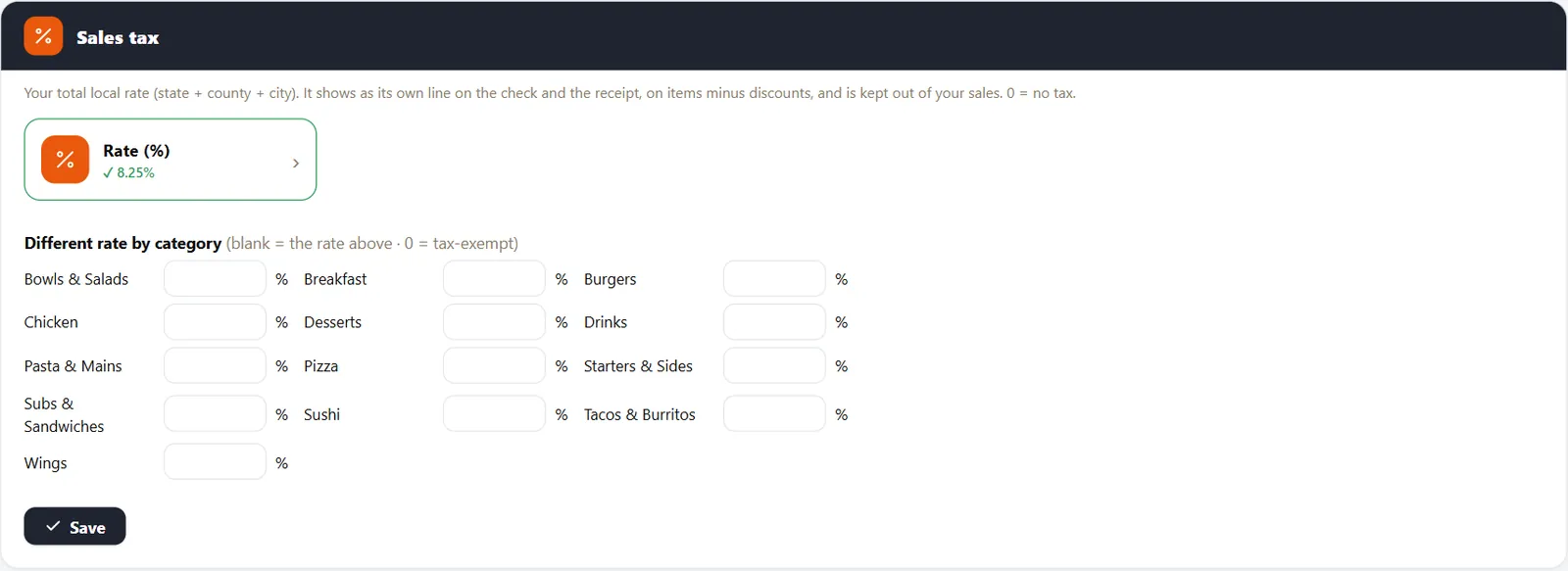
3. Add category rates if you need them
If a category is taxed differently, enter its rate. Blank categories use the store rate.
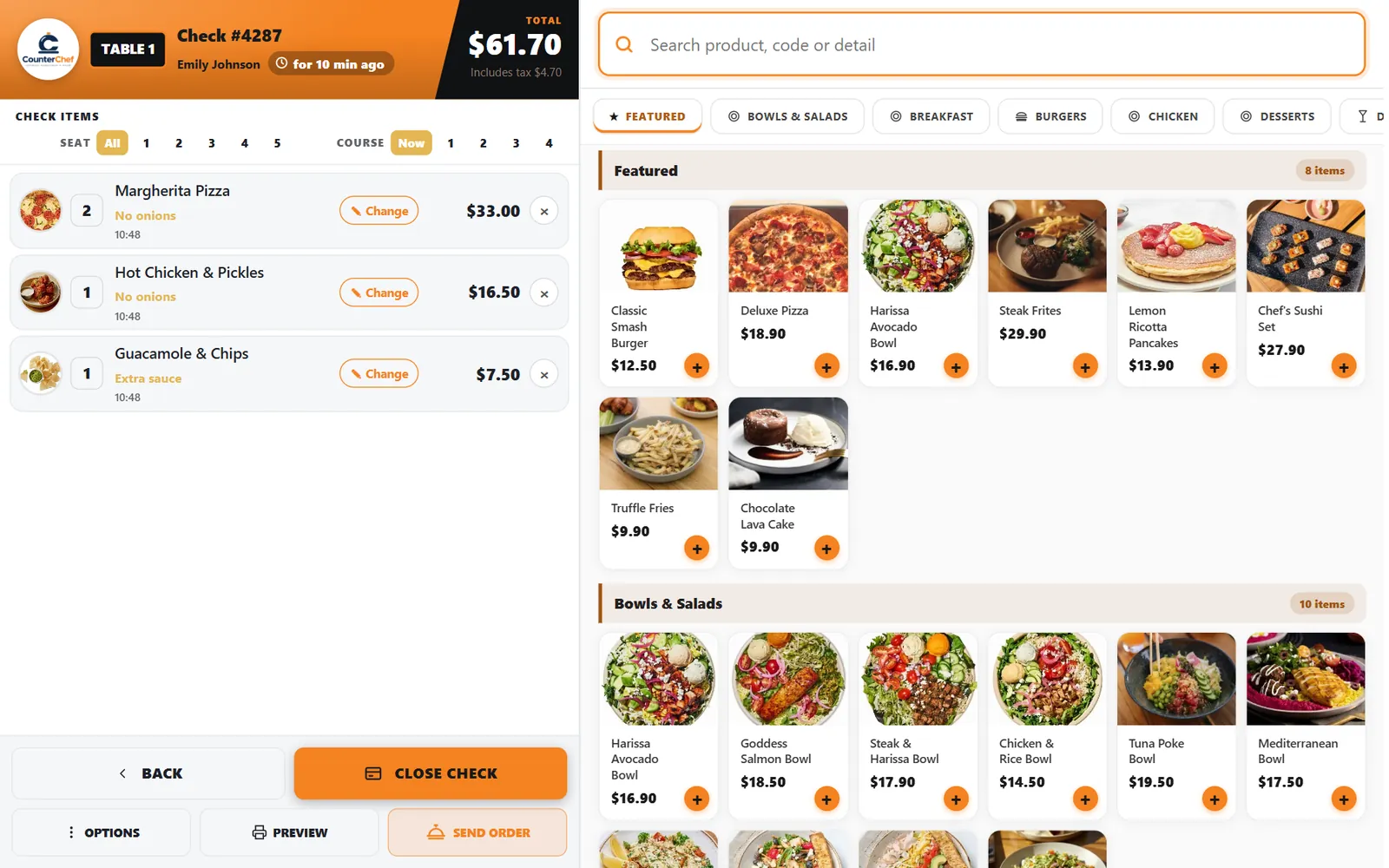
4. Test a check
Ring an item and open the check. Tax appears on its own line.
Related feature: Sales tax.