
Restaurant POS System in Charleston, SC
Restaurants in Charleston charge 11.00% in sales tax on meals and pay at least $7.25 an hour. Here is what that means for your POS setup.
CHARLESTON RESTAURANT NUMBERS
Checked 11/18/2026 against official sources
What these rules mean for Charleston restaurants
The state chart lists 9% sales tax in the city of Charleston, and the city adds its own 2% hospitality tax on prepared food and drinks, which you file monthly with the city, not the state. Keep the two as separate lines so each return is easy to fill in.
Combined sales tax on restaurant meals: SC DOR form ST-575, local tax rates, February 2026.
Minimum wage: US Department of Labor, state tipped wage table.
Tipped minimum cash wage: US Department of Labor, state tipped wage table.
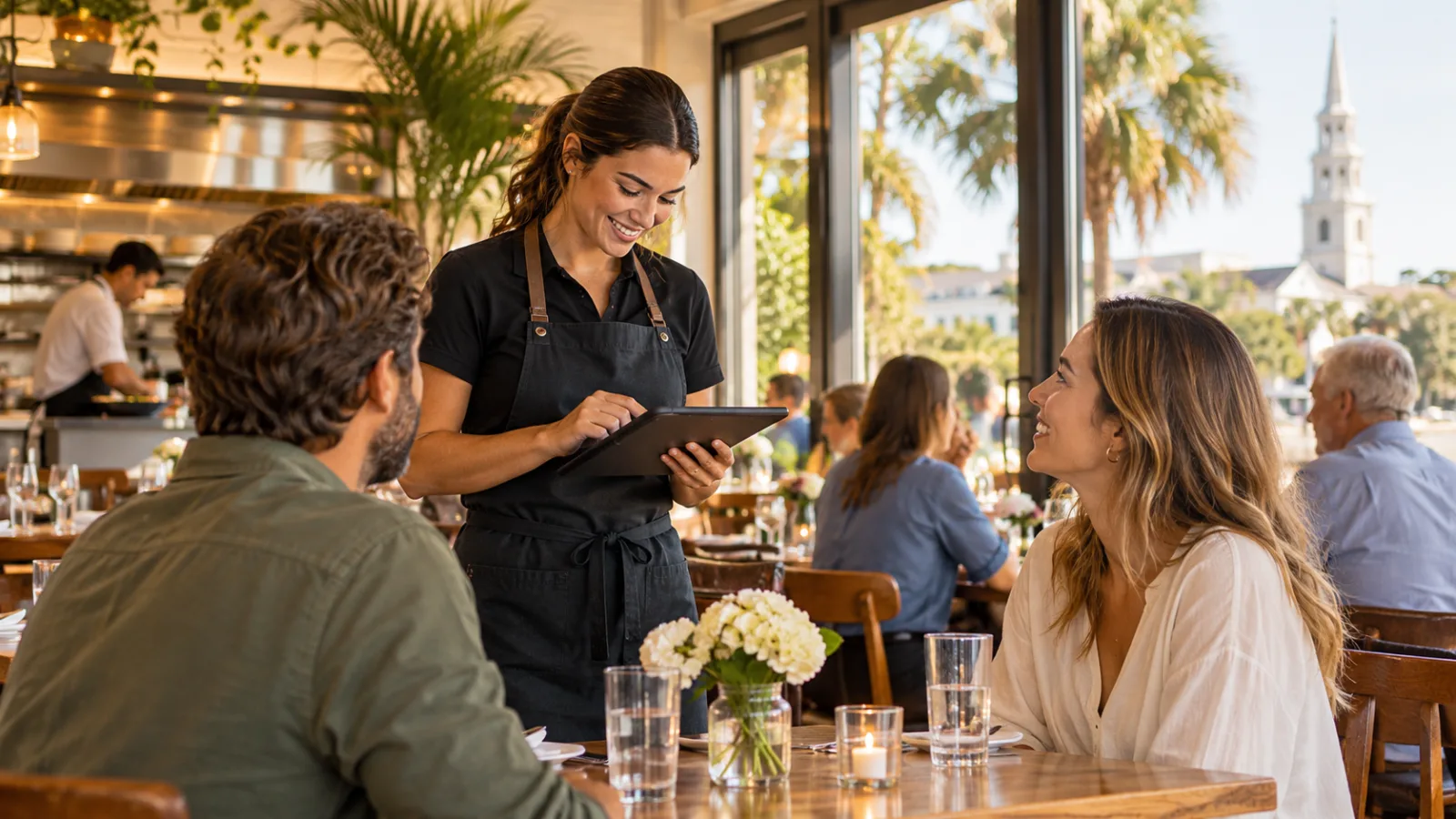
Restaurant POS System in Charleston: A Practical Owner-to-Owner Guide to Running Your Restaurant
Running a restaurant in Charleston means balancing the demands of a busy dining room, changing visitor traffic, employee schedules, food costs, and careful financial management. If I were helping a friend open or improve a restaurant here, I would start with the questions that affect the money: how to collect the right taxes, pay employees correctly, price the menu, and choose a restaurant POS system in Charleston that keeps the daily operation organized.
Sales Tax and Hospitality Tax: What Exactly Am I Collecting?
Q: What should I know about Charleston's restaurant taxes before setting up my POS?
First, understand that the combined sales tax on restaurant meals is 11.00%. However, you should not treat that as one undifferentiated tax when organizing your records.
There are two separate lines to understand:
- South Carolina sales tax: The state chart lists 9% sales tax in the city of Charleston.
- City hospitality tax: Charleston adds its own 2% hospitality tax on prepared food and drinks. You file this monthly with the city, not the state.
Together, these produce the 11.00% combined rate on restaurant meals.
My advice is to configure your POS with the correct combined rate for customer transactions while keeping the two tax obligations separate in your accounting and reporting.
Why does that matter? Because collecting the right amount from customers is only half the job. You also need to know which portion belongs on each return.
Q: Can you show me what that looks like on an actual check?
Here is a hypothetical example:
| Description | Amount |
|---|---|
| Food check | $48.00 |
| Sales tax at 11.00% | $5.28 |
| Customer total | $53.28 |
The arithmetic is straightforward:
$48.00 × 11.00% = $5.28.
The customer pays $53.28.
Your POS should make the tax calculation automatic, but your bookkeeping should still distinguish the state sales tax reporting from the city's hospitality tax reporting.
Q: What should I look for in tax reports?
I would want a report that shows taxable sales, tax collected, adjustments, refunds, and voids. I would also want the ability to review tax amounts by date and transaction.
At the end of each reporting period, compare the POS figures with your accounting records and the amounts you actually remit.
Do not wait until a filing deadline to discover that a tax category was configured incorrectly.
Confirm current rates, filing requirements, and applicable rules with the official state and city agencies or a qualified tax professional. Tax configuration is too important to rely on assumptions.
Menu Pricing: How Do I Know Whether My Prices Actually Work?
Q: If customers are paying more, why can my restaurant still struggle financially?
Because higher sales do not automatically mean higher profits.
A restaurant can have a full dining room and still lose money through poorly controlled food costs, excessive labor, waste, discounts, and operating expenses.
I would approach menu pricing one item at a time.
Start with the ingredients. Calculate the cost of everything that goes into a dish, including sauces, garnishes, sides, and cooking ingredients. Then consider portion sizes and the amount of waste generated during preparation.
Next, account for labor. Some menu items require more preparation and kitchen attention than others. A dish that takes considerable time to prepare should not be evaluated on ingredient cost alone.
Finally, consider the sales price and how much contribution remains after direct costs.
Q: Should I include sales tax when deciding what to charge?
You should distinguish the menu price from the tax collected at checkout.
Tax collected from the customer is not restaurant revenue that you can freely spend. Your pricing decisions should focus on the amount retained by the business before considering its operating expenses and obligations.
For example, the hypothetical $48.00 food check generates $5.28 in tax. The customer pays $53.28, but the additional tax is not extra sales revenue.
This is one reason I like a POS that produces clear sales summaries without mixing tax collections into ordinary revenue figures.
Q: How often should I review my menu?
Review it whenever ingredient costs, portion sizes, preparation methods, or customer demand change enough to affect profitability.
Your POS sales mix can help. It shows which items sell frequently, which contribute less to sales, and which may deserve a closer look.
Do not automatically remove a slow-selling dish. Sometimes it supports the identity of the restaurant or encourages customers to order other profitable items.
Use sales information alongside actual food-cost calculations before making changes.
Employee Pay: What Should I Understand About Charleston Wages?
Q: What minimum wage figures should I use as a starting point?
The local figures provided for this guide are:
- Minimum wage: $7.25 per hour.
- Tipped minimum cash wage: $2.13 per hour.
These are important starting points when planning schedules and reviewing payroll.
However, do not assume that every employee can automatically be paid the tipped cash wage. Employee classification, tip eligibility, applicable requirements, and other labor rules matter.
Confirm current wage requirements with the appropriate official agency or a payroll professional before setting up compensation.
Q: What does a basic shift cost in wages?
Consider this hypothetical example:
One employee works a six-hour shift at $7.25 per hour.
6 hours × $7.25 = $43.50 in base wages.
That is the employee's base wage cost before payroll taxes.
It is not the complete cost of employing that person. Your financial planning should also account for applicable employer payroll obligations and other employment costs.
This is why I recommend reviewing labor by shift rather than simply looking at total payroll at the end of the month.
Q: How should I use my POS to control labor?
Start with accurate time records.
Employees should clock in and out consistently, and managers should review missed punches, unexpected overtime, and differences between scheduled and actual hours.
Compare labor hours with sales during the same operating periods.
For example, if a particular shift consistently requires more employees than its sales justify, review the schedule. Perhaps opening duties are taking too long, the shift overlap is excessive, or the work is distributed inefficiently.
Do not reduce staffing blindly. A restaurant needs enough people to serve customers properly and maintain food quality.
The goal is to schedule intelligently, not leave the team overwhelmed.
Tips: How Do I Get the Money From the Customer to the Right Employee?
Q: Why should I care whether my POS handles tips properly?
Because tips create a recordkeeping responsibility that goes beyond the customer's payment.
A customer may leave a tip on a card transaction, add cash to the table, or leave a tip through another accepted payment arrangement.
The restaurant needs a reliable process for identifying the tip, recording it, allocating it when applicable, and documenting its distribution.
If your records are incomplete, answering a simple employee question can become a difficult exercise.
Q: What should happen when a customer leaves a card tip?
The process should be traceable.
First, the POS records the original check and its payment method. It should separately identify the tip amount rather than treating the entire payment as food revenue.
Next, the tip should be associated with the appropriate employee or recorded in the applicable tip pool.
Finally, the business should maintain a record showing how the money was distributed and when the employee received it.
The important principle is that the amount collected and the amount distributed should be reconcilable.
Q: What if we pool tips among several employees?
Create a written, consistent process.
Decide who participates, which roles are eligible under applicable rules, and how the distribution is calculated. Make sure employees understand the arrangement before they work under it.
Two common allocation approaches are percentage-based distribution and distribution according to hours worked.
For example, a restaurant might establish a percentage allocation for eligible roles or distribute an eligible pool according to each employee's hours.
Whatever method you use, preserve the underlying calculations.
A manager should be able to answer three questions:
- How much was collected in tips?
- How was the amount allocated?
- How much did each employee receive?
Do not rely on handwritten estimates or memory at the end of a busy shift.
Q: Which tip records should I keep?
I would maintain:
- Individual employee tip records.
- Card tips associated with the original transactions.
- Cash tips reported through the restaurant's established process.
- Tip-pool totals and allocation calculations.
- Employee hours used in distribution calculations.
- Adjustments, corrections, and explanations.
- Records of amounts distributed and payment dates.
These records help with payroll preparation, employee questions, internal reviews, and reconciliation.
A POS should make it easier to retrieve the information, not simply calculate a number that nobody can explain later.
Also, confirm current tip-reporting, pooling, and recordkeeping requirements with the appropriate official agency or a qualified payroll professional.
Daily Operations: What Should I Check Before Opening and After Closing?
Q: What is the first thing I should check before service?
Check whether the POS is ready for the day.
Review the active menu, prices, tax configuration, employee access, and payment setup. Make sure unavailable dishes are marked correctly and that staff know how to enter modifications.
For a restaurant with changing visitor traffic, preparation matters. A sudden increase in covers can expose weaknesses in an ordering process that seemed perfectly adequate during a quiet shift.
Q: How should the POS help the kitchen?
Orders should reach the appropriate preparation area with clear information.
A kitchen ticket needs to communicate the item, quantity, modifications, and relevant preparation instructions.
Avoid systems that make employees repeatedly clarify basic order details.
If a customer requests a substitution, the server should be able to enter it accurately rather than relying on a handwritten note that may never reach the kitchen.
Good communication saves time and reduces mistakes.
Q: What should I reconcile at closing?
I would never close the day using only the total sales number.
Review:
- Gross sales and net sales.
- Sales by payment method.
- Tax collected.
- Tips collected.
- Discounts and promotions.
- Voids and refunds.
- Cash drawer totals.
- Employee clock-out records.
Compare the POS reports with actual cash and payment records.
If the figures do not match, investigate while the shift is still fresh in everyone's memory.
A missing cash amount, an incorrectly entered payment, and a legitimate refund can produce similar differences in a summary report. You need transaction-level detail to identify the cause.
Choosing a Restaurant POS System in Charleston: What Should I Ask Before Committing?
Q: Should I choose the system with the most features?
No. Choose the system that handles your actual operation reliably.
A small independent restaurant does not necessarily need the same configuration as a large operation with multiple service areas.
Start by documenting how your restaurant works.
Do you offer table service, counter service, takeout, delivery, or a combination? Do employees share tips? Do managers need to review labor hours? Do you have different tax categories?
Then evaluate systems against those requirements.
Q: What features deserve the most attention?
I would prioritize these:
Accurate tax configuration: The system must handle your applicable combined rate while supporting useful reporting and accounting separation.
Clear employee records: Clock-in and clock-out information should be easy to review.
Tip management: The system should make it possible to calculate and document distributions consistently.
Menu management: Updating prices, modifiers, and unavailable items should not require a complicated procedure.
Sales reporting: You should be able to understand what sold, when it sold, and how customers paid.
Reliable closing reports: Cash, card transactions, refunds, discounts, and tips should be easy to reconcile.
Usability: Employees should learn the basic ordering process without an unnecessarily long training period.
Q: How do I know whether a system fits my restaurant's workflow?
Ask for a demonstration based on a realistic service.
Have someone enter a complicated food order, add a modification, apply a discount, process a payment, record a tip, and close the transaction.
Then ask the manager to find that transaction in the reports.
If the process is confusing during a demonstration, imagine how it will feel during a busy dinner service.
A good restaurant POS system in Charleston should make ordinary restaurant work easier to manage, not create another administrative burden.
CounterChef: What Capabilities Should I Check?
When evaluating CounterChef, consider these specific capabilities: you can enter the combined sales tax rate with up to three decimals and set different rates by category; delivery areas use ZIP codes with their own fee and estimated time; employees clock in on a tablet or computer; tips can be shared by percentage or by hours worked; and it runs on iPad, Android tablet, iPhone, and computer.
Compare these functions with your restaurant's actual requirements before deciding whether the system fits your operation.
Charleston restaurant questions
What is the combined sales tax rate for restaurant meals in Charleston?
The combined rate specified for this guide is 11.00%. The state chart lists 9% sales tax in the city, and Charleston adds a separate 2% hospitality tax on prepared food and drinks. The city hospitality tax is filed monthly with the city, not the state. Confirm current requirements with the official agencies.
What is the minimum wage in Charleston?
The figures specified for this guide are $7.25 per hour for minimum wage and $2.13 per hour for tipped minimum cash wage. Confirm current requirements and employee eligibility with an official agency or payroll professional.
Can a restaurant POS system calculate and distribute employee tips?
Some POS systems support tip tracking and distribution through configurable allocation methods, such as percentages or hours worked. However, owners should verify that their chosen system supports their specific arrangement and maintain records of collections, calculations, adjustments, and distributions.
What is the most important feature when choosing a restaurant POS system in Charleston?
Look for accurate tax handling, dependable employee time records, transparent tip management, practical menu controls, and useful end-of-day reports. The best choice is the one that helps you run service smoothly while keeping financial and employee records organized. Running a restaurant well is about building consistent habits. Get the tax setup right, understand your labor costs, document tips carefully, and reconcile every shift. A POS system should support those habits by making accurate information available when you need it, rather than leaving you to reconstruct the day's business after everyone has gone home.
How to set this up in CounterChef
Enter your tax rate
Set 11.00% in Settings, under Tax, then ring a test item and check the receipt. Confirm the rate for your exact address first.
Read about restaurant posPrice delivery by ZIP code
Create areas for the Charleston ZIP codes you can reach well, each with its own fee and estimated time.
Read about zones and fees by zipRun delivery yourself
Keep your own menu and drivers in one system, from the order to the driver settlement.
Read about delivery overviewMore for Charleston restaurant owners
Running a restaurant in Charleston?
Tell us how your restaurant runs. We will walk you through the parts that matter to you.