
Restaurant POS System in Sioux Falls, SD
Restaurants in Sioux Falls charge 6.20%, plus 1% municipal gross receipts tax in sales tax on meals and pay at least $11.85 an hour. Here is what that means for your POS setup.
SIOUX FALLS RESTAURANT NUMBERS
Checked 11/18/2026 against official sources
What these rules mean for Sioux Falls restaurants
South Dakota charges 4.2% and Sioux Falls adds a 2% city sales tax. The city also levies a 1% municipal gross receipts tax on eating establishments, reported as its own line, so restaurant sales carry both.
Combined sales tax on restaurant meals: South Dakota DOR municipal tax guide, July 2026.
Minimum wage: US Department of Labor, state tipped wage table.
Tipped minimum cash wage: US Department of Labor, state tipped wage table.
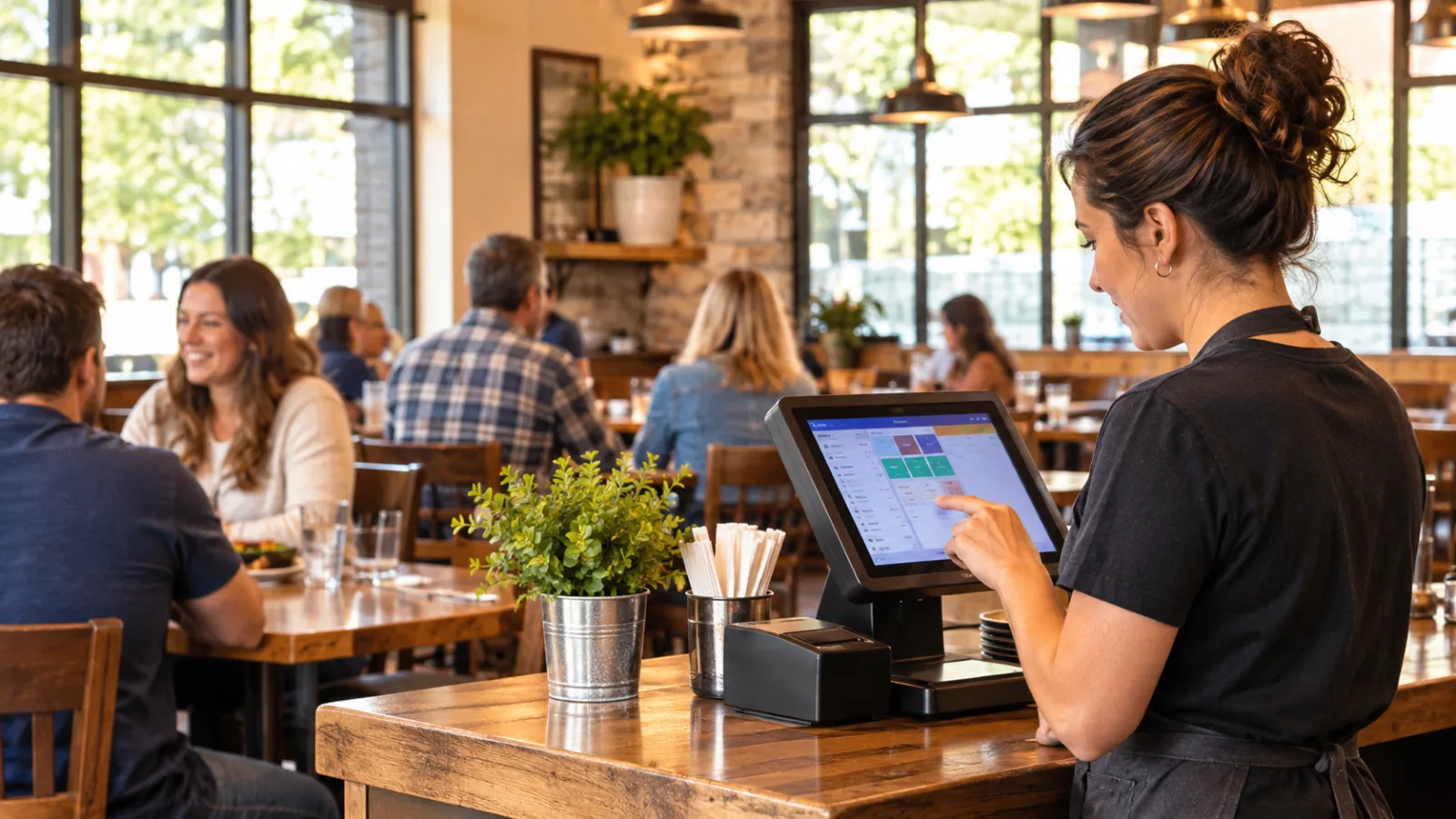
Running a Restaurant With the Right Restaurant POS System in Sioux Falls
Every shift starts with people, not software. If you build your staffing plan first and then choose a restaurant POS system in Sioux Falls that records the right information, your daily operations become easier to review, reconcile, and improve.
Start with one day's staffing before thinking about technology
A restaurant has hundreds of transactions in a day, but they all begin with a work schedule. Before comparing POS features, build a simple staffing plan that reflects how your business actually operates.
A typical day may include opening preparation, lunch service, an afternoon transition, dinner service, and closing tasks. Depending on the season, weather, and visitor traffic, the busiest periods may shift, but the basic planning process stays the same.
For every employee on the schedule, ask four practical questions:
- When does the shift begin?
- When does the shift end?
- What job is being performed?
- Who approved any changes during the day?
A POS should become the record that supports those answers instead of leaving them on paper, in text messages, or in someone's memory.
Labor rules determine the first numbers you should enter
Before a single order is entered, payroll begins with the applicable wage rules.
For Sioux Falls restaurants, the verified figures are:
- Minimum wage: $11.85
- Tipped minimum cash wage: $5.93
Those numbers affect scheduling, payroll records, labor reporting, and daily operating costs.
Hypothetical example: one employee for one shift
Hypothetical example
One employee works a 6-hour shift at $11.85 per hour.
Base wages:
6 × $11.85 = $71.10
Result: One employee on a 6-hour shift at $11.85 costs $71.10 in base wages before payroll taxes.
Even though this example is simple, it illustrates why accurate time tracking matters. If clock-in or clock-out times are incorrect, wage calculations become inaccurate before payroll processing even begins.
A staffing plan should create records, not just schedules
Scheduling tells employees when to work.
Time records prove what actually happened.
A restaurant POS should record information such as:
- Scheduled start time
- Actual clock-in
- Actual clock-out
- Position worked
- Shift duration
- Manager edits
- Break records, when applicable
- Tip assignment
- Employee identification
These records help explain labor costs after the day ends rather than forcing managers to reconstruct events from memory.
Every shift adjustment should leave a trail
Restaurants rarely operate exactly as planned.
Someone may arrive late.
Someone may stay longer because dinner remains busy.
Another employee may leave early.
Rather than overwriting the original schedule, a good POS should preserve the sequence of events:
- Original schedule
- Actual clock-in
- Actual clock-out
- Manager adjustments
- Final payroll record
That history helps explain labor differences during payroll review.
Sales tax must be recorded correctly on every check
Sales tax is another area where consistency matters more than speed.
The verified local tax information is:
- Combined sales tax on restaurant meals: 6.20%
- Plus 1% municipal gross receipts tax
The local notes already verified explain why:
South Dakota charges 4.2%, and Sioux Falls adds a 2% city sales tax. The city also levies a 1% municipal gross receipts tax on eating establishments, reported as its own line, so restaurant sales carry both.
That means the POS should consistently calculate and report these amounts exactly as configured.
Hypothetical example
A $48.00 food check at 6.20%, plus 1% municipal gross receipts tax, carries $2.98 in sales tax for a total of $50.98.
This example is hypothetical, but it demonstrates why every receipt should be calculated the same way every time.
Separate tax reporting reduces confusion later
Taxes become much easier to review when each component is clearly identified.
Instead of treating every amount as one combined figure inside reports, restaurant operators benefit when the POS can distinguish between taxable sales and the separate tax lines that apply.
That makes reconciliation easier at the end of the day and simplifies periodic reporting.
Labor and sales should be connected
Many restaurant owners review payroll and sales separately.
Operationally, they belong together.
Imagine reviewing a dinner period that produced strong sales.
If the POS also records:
- employees working,
- hours worked,
- clock activity,
- sales during each shift,
- and tips,
you can better understand how staffing matched business volume.
The objective is not simply reducing labor. The goal is matching staffing levels to actual demand while maintaining service quality.
Busy seasons make consistency even more valuable
Sioux Falls experiences changing business patterns throughout the year. Seasonal weather, visitors, and normal local activity can all affect customer volume.
During busy periods, employees have less time to correct paperwork after mistakes occur.
That is why accurate clock-ins, properly recorded orders, and reliable tax calculations become even more important. The POS should help maintain consistent records even when the restaurant is operating at full speed.
Don't overlook permissions and accountability
Every employee should not have identical system access.
Managers often benefit from permissions that allow them to:
- adjust time records,
- approve voids,
- approve refunds,
- review reports,
- and correct errors.
Other employees may only need access appropriate to their daily responsibilities.
Clear permissions help create accountability without making routine work more difficult.
End-of-day review should take minutes, not hours
Closing the restaurant should involve confirming records instead of searching for missing information.
A practical daily review might include:
- Confirm employee clock activity.
- Review any edited time entries.
- Verify completed sales.
- Check tax totals.
- Review tips.
- Balance payment totals.
- Confirm reports have been generated.
When each item comes from the same system, the closing process becomes more consistent.
Think about future growth when choosing a restaurant POS system in Sioux Falls
Even if today's operation is relatively small, the records you create now become valuable over time.
Historical labor reports can help estimate staffing for future seasons.
Sales reports can reveal recurring patterns.
Consistent tax reporting makes periodic filing easier to verify.
Choosing software that captures complete operational records from the beginning often saves significant effort later.
One example of features to compare
CounterChef includes practical operational features that relate directly to the workflow described above. You enter the combined sales tax rate with up to three decimals and can set different rates by category; delivery areas use ZIP codes with their own fee and estimated time; employees clock in on a tablet or computer; tips can be shared by percentage or by hours worked; it runs on iPad, Android tablet, iPhone and computer.
Choose a system that supports the way you already operate
The best restaurant POS system in Sioux Falls is usually the one that creates reliable records while your staff focuses on serving guests.
Instead of beginning with a feature checklist, begin with one day's staffing. Confirm that the system accurately records work hours, employee activity, taxes, sales, and tips in a way that can be reviewed later. Software should support your operating process rather than forcing you to invent one.
Finally, remember that wage requirements, tax rules, and labor obligations can change over time. Always confirm current rates and labor rules with the appropriate official agency or a qualified professional before making payroll, tax, or compliance decisions.
Sioux Falls restaurant questions
What should a restaurant POS record about employee shifts?
At a minimum, it should accurately record scheduled shifts, actual clock-in and clock-out times, positions worked, manager edits, and tip assignments so payroll and daily operations can be reviewed with confidence.
Why is accurate tax configuration important?
Restaurant sales should consistently apply the required taxes according to current local requirements. Proper configuration helps receipts, reports, and reconciliation remain consistent throughout the day.
Is labor tracking only useful for payroll?
No. Accurate labor records also help evaluate staffing levels, understand busy periods, compare planned versus actual schedules, and improve future scheduling decisions.
Should I rely only on my POS for compliance?
No. A POS is a tool for recording operational information, but restaurant owners should always confirm tax rates, wage requirements, and labor rules with the appropriate official agency or a qualified professional before making business decisions.
How to set this up in CounterChef
Enter your tax rate
Set 6.20%, plus 1% municipal gross receipts tax in Settings, under Tax, then ring a test item and check the receipt. Confirm the rate for your exact address first.
Read about restaurant posPrice delivery by ZIP code
Create areas for the Sioux Falls ZIP codes you can reach well, each with its own fee and estimated time.
Read about zones and fees by zipRun delivery yourself
Keep your own menu and drivers in one system, from the order to the driver settlement.
Read about delivery overviewMore for Sioux Falls restaurant owners
Running a restaurant in Sioux Falls?
Tell us how your restaurant runs. We will walk you through the parts that matter to you.