
Restaurant POS System in Des Moines, IA
Restaurants in Des Moines charge 7.00% in sales tax on meals and pay at least $7.25 an hour. Here is what that means for your POS setup.
DES MOINES RESTAURANT NUMBERS
Checked 11/18/2026 against official sources
What these rules mean for Des Moines restaurants
Iowa charges 6%, and Des Moines voters added a 1% local option sales tax in 2019, for 7%. Iowa allows a tip credit of up to 40% of the minimum wage.
Combined sales tax on restaurant meals: City of Des Moines local option sales tax.
Minimum wage: US Department of Labor, state tipped wage table.
Tipped minimum cash wage: US Department of Labor, state tipped wage table.
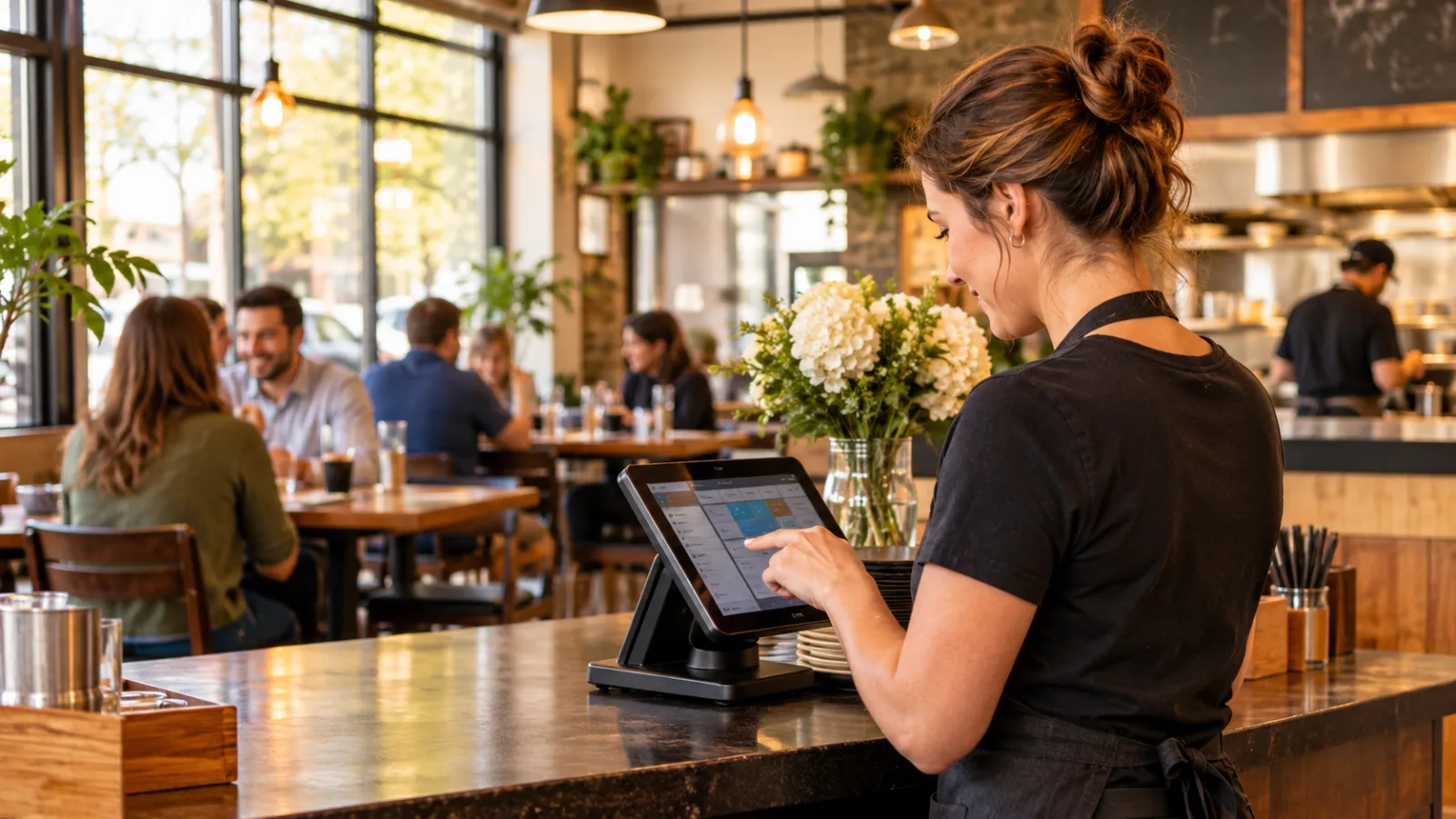
Restaurant POS System in Des Moines: A First 90 Days Plan for Your First Restaurant
Opening your first restaurant in Des Moines is a series of practical decisions that begin long before your first guest walks through the door. The first three months establish the habits that determine whether your operation stays organized, protects cash flow, and produces reliable records from day one.
Before opening: Build your operating system before you serve your first meal
The weeks before opening are when most expensive mistakes can still be prevented. It is much easier to create consistent procedures before employees develop habits than to change them later.
Start by deciding exactly how every sale will move through your restaurant. A guest orders, the kitchen prepares the food, the server closes the check, payment is accepted, sales tax is collected, tips are recorded, and the money eventually reaches your bank account. Your POS system should document every step without requiring handwritten notes or duplicate entry.
One of your first setup tasks is sales tax. Restaurant meals in Des Moines are subject to a combined sales tax of 7.00%. Iowa charges 6%, and Des Moines voters added a 1% local option sales tax in 2019, resulting in the combined 7.00% rate.
Treat tax configuration as something to verify before opening rather than after your first busy weekend. Every receipt should calculate the correct amount automatically.
Hypothetical example
A $48.00 food check at 7.00% carries $3.36 in sales tax for a total of $51.36.
Run several practice transactions before opening day. Check that receipts, reports, and payment totals all match the expected numbers. Fixing a configuration error before guests arrive is far easier than correcting days of transactions afterward.
Next, build your menu carefully instead of rushing to finish it. Enter categories, modifiers, sizes, and optional additions in a logical way so employees do not need workarounds during service. A menu that is easy to navigate reduces ordering mistakes and shortens training time.
Inventory should also begin before opening. Even if you start with basic tracking, establish consistent product names and units. A single ingredient should never appear under several different names in reports.
Create written opening and closing checklists while the restaurant is still quiet. Include cash handling, equipment startup, cleaning responsibilities, and end-of-day reporting. Checklists reduce dependence on memory and make it easier to train future employees.
Finally, perform several mock service sessions. Invite friends or family to place practice orders, send them to the kitchen, process payments, print receipts, and complete the closing routine. Small problems discovered during practice rarely become major problems after opening.
Before opening: Build labor records correctly from the first shift
Your labor records are just as important as your sales records.
The Iowa minimum wage is $7.25 per hour. The tipped minimum cash wage is $4.35 per hour. Iowa allows a tip credit of up to 40% of the minimum wage.
Your scheduling process should match the records your POS system produces. Employees should clock in consistently, breaks should be documented according to your policies, and completed shifts should be easy to review.
Hypothetical example
One employee working a 6-hour shift at $7.25 per hour costs $43.50 in base wages before payroll taxes.
Even if your restaurant is small, treat timekeeping seriously from the first day. Accurate labor records make payroll easier and help you understand how staffing changes affect profitability.
First month: Focus on consistency instead of speed
Many first-time owners spend their opening month reacting to problems as they appear. A better approach is to make every day more predictable than the one before.
Resist the temptation to change procedures every shift. Instead, identify recurring issues and solve them one at a time.
Watch how employees enter orders. Are modifiers being selected consistently? Are special requests recorded clearly? Does the kitchen receive complete information every time?
Review every void, correction, and refund. Most will have legitimate explanations, but reviewing them regularly helps identify training opportunities before bad habits become routine.
Cash reconciliation should happen every day. Compare the expected totals from your POS with the actual cash received. Investigate differences immediately while details are still fresh.
Card payments deserve the same attention. Verify that completed transactions match settlement reports and bank deposits according to your payment processor's schedule.
The first month is also the right time to begin reviewing product sales. Which menu items sell together? Which options create confusion? Which modifications appear frequently enough that they should become standard choices?
Small improvements made during the first month usually save hundreds of repeated decisions over the rest of the year.
First month: Train every employee to follow the same process
Training should emphasize consistency rather than individual preference.
Every employee should know:
- How to begin a shift.
- How to enter an order correctly.
- How to modify an item.
- How to split checks when needed.
- How to accept different payment methods.
- How to close a shift.
- How to report unusual situations to management.
When every employee follows the same workflow, reports become easier to understand because transactions are entered consistently.
Document answers to common questions as they arise. After several weeks, those notes become the foundation of your employee handbook and future training materials.
Third month: Use your reports to improve operations
By the third month, your restaurant has enough operating history to begin making informed decisions.
Instead of asking whether business felt busy, look at actual reports.
Compare sales by day of the week.
Review labor hours against sales volume.
Identify the busiest ordering periods.
Look for menu items that consistently underperform.
Examine average guest checks over time.
None of these reports should replace observing the dining room, but they help explain what actually happened rather than relying on memory.
Seasonal weather can influence customer traffic in Iowa, so reviewing trends over several weeks often provides a clearer picture than judging one unusually busy or slow day.
Third month: Improve procedures instead of adding complexity
Many restaurants respond to early challenges by adding more paperwork.
A better approach is to simplify.
If employees repeatedly make the same mistake, ask whether the process itself can be improved.
Maybe menu buttons should be reorganized.
Maybe commonly requested modifiers belong on the main ordering screen.
Maybe opening responsibilities should be divided differently.
Small operational improvements often produce larger gains than adding another manual log or spreadsheet.
Continue reviewing daily reports, but avoid making major changes based on a single unusual shift. Look for patterns before changing procedures.
Protect your records as your restaurant grows
The first ninety days create records that become increasingly valuable over time.
Maintain organized documentation for:
- Daily sales summaries.
- Labor reports.
- Sales tax records.
- Inventory adjustments.
- Cash reconciliation.
- Refunds and voids.
- Employee time records.
Well-organized records make it easier to answer questions, prepare financial statements, and evaluate long-term performance.
As your restaurant becomes busier, these records also help you identify trends that are impossible to notice during a busy service.
Choose a POS system that supports everyday operations
When evaluating a restaurant POS system in Des Moines, avoid focusing only on the ordering screen.
Instead, consider how well the system supports an ordinary operating day.
Can new employees learn it quickly?
Can managers review labor and sales without exporting multiple reports?
Can menu updates be completed accurately?
Does it produce organized records for accounting?
Can it support future growth without requiring completely different procedures?
The best system is usually the one that makes ordinary work easier every single day rather than adding features that rarely get used.
One example of operational features
CounterChef allows you to enter the combined sales tax rate with up to three decimals and set different rates by category. Delivery areas use ZIP codes with their own fee and estimated time. Employees clock in on a tablet or computer. Tips can be shared by percentage or by hours worked. It runs on iPad, Android tablet, iPhone, and computer.
Review your numbers regularly and verify official requirements
Your first ninety days are about building reliable habits more than chasing rapid growth.
Review sales every day, labor every week, and operating procedures every month. Small corrections made consistently usually produce better long-term results than occasional major changes.
Tax rates, labor requirements, and regulations can change. Always confirm current sales tax rates, wage requirements, and labor rules with the appropriate official agency or a qualified accounting or legal professional before making business decisions.
Des Moines restaurant questions
What sales tax should a restaurant POS system use in Des Moines?
Restaurant meals use a combined sales tax rate of 7.00%. Iowa charges 6%, and Des Moines voters added a 1% local option sales tax in 2019, resulting in the combined 7.00% rate. Confirm current requirements with the appropriate official agency before opening.
How should I prepare my POS system before opening day?
Complete your menu setup, verify the sales tax configuration, test payment processing, practice employee workflows, and perform several mock service sessions so you can identify problems before serving paying guests.
Why should I review reports after the first month?
After several weeks of operation, reports begin showing meaningful patterns in sales, labor, and menu performance. Reviewing them regularly helps you improve staffing, simplify procedures, and make better operating decisions.
How often should I verify tax and labor rules?
Review them regularly and confirm current sales tax rates, wage requirements, and labor rules with the appropriate official agency or a qualified professional whenever you have questions or before making important operational changes.
How to set this up in CounterChef
Enter your tax rate
Set 7.00% in Settings, under Tax, then ring a test item and check the receipt. Confirm the rate for your exact address first.
Read about restaurant posPrice delivery by ZIP code
Create areas for the Des Moines ZIP codes you can reach well, each with its own fee and estimated time.
Read about zones and fees by zipRun delivery yourself
Keep your own menu and drivers in one system, from the order to the driver settlement.
Read about delivery overviewMore for Des Moines restaurant owners
Running a restaurant in Des Moines?
Tell us how your restaurant runs. We will walk you through the parts that matter to you.