
Restaurant POS System in Burlington, VT
Restaurants in Burlington charge 11.50% in sales tax on meals and pay at least $14.42 an hour. Here is what that means for your POS setup.
BURLINGTON RESTAURANT NUMBERS
Checked 11/18/2026 against official sources
What these rules mean for Burlington restaurants
Vermont charges a 9% meals and rooms tax, and Burlington adds its own 2.5% gross receipts tax on restaurant meals, which the City Council kept at 2.5% in 2026 instead of letting it fall back to 2%. The city tax is paid to the city, so it should be its own line in your POS.
Combined sales tax on restaurant meals: Vermont Department of Taxes, meals and rooms tax.
Minimum wage: US Department of Labor, state tipped wage table.
Tipped minimum cash wage: US Department of Labor, state tipped wage table.
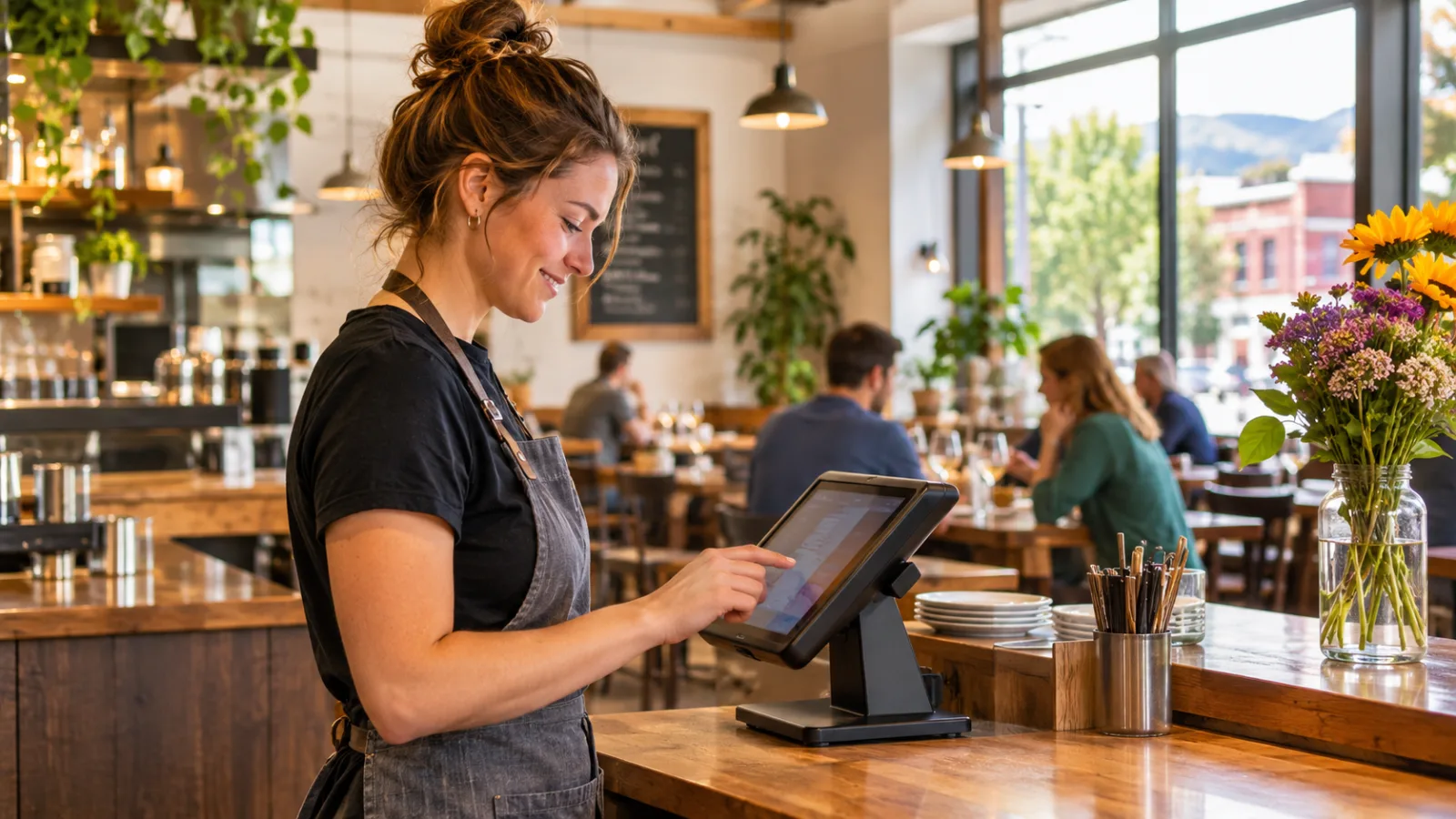
Restaurant POS System in Burlington: A Practical Guide for Small, Owner-Operated Restaurants
Running a small restaurant in Burlington, VT, often means doing several jobs at once: managing the kitchen, serving customers, ordering supplies, handling payroll and keeping the books straight. The right restaurant POS system in Burlington should take repetitive work off your hands without making a small team depend on complicated technology for every decision.
Start by automating the work that repeats every day
When you run a restaurant with a tiny team, time is often more valuable than another piece of equipment. You might be the owner, manager, purchasing department and person who checks the closing numbers. A system that saves a few minutes on every order can make a meaningful difference over a full week.
But not every task needs automation.
Start with the activities that happen repeatedly, follow predictable rules and create problems when someone forgets a step.
Good first candidates include:
- Calculating sales tax on every transaction.
- Sending orders to the correct kitchen station.
- Recording sales by menu item and category.
- Tracking employee clock-in and clock-out times.
- Keeping a record of tips and payments.
- Producing daily sales and payment summaries.
- Recording delivery fees and estimated delivery times.
These are tasks where consistent information matters more than personal judgment.
For example, you should not need to calculate the tax on every check manually or reconstruct the day's sales from handwritten notes. Your POS should handle those calculations and preserve the underlying records.
However, deciding whether a regular customer deserves an adjustment, whether a dish needs to leave the menu or whether someone needs help during a difficult service remains an owner or manager responsibility.
The objective is not to automate the restaurant out of existence. It is to give the people running it more time to pay attention to the restaurant itself.
Burlington's two restaurant taxes need separate attention
Tax setup deserves special attention before you start processing real transactions.
Vermont charges a 9% meals and rooms tax, and Burlington adds its own 2.5% gross receipts tax on restaurant meals. The combined rate is 11.50%.
The city tax is paid to the city. It should therefore appear as its own line in your POS rather than disappearing into an undifferentiated tax setting.
This distinction matters when you reconcile your sales and prepare tax records. Collecting the correct combined amount from a customer is only part of the job. You also need to know which portion belongs to which taxing authority.
The City Council kept Burlington's restaurant-meal gross receipts tax at 2.5% in 2026 instead of allowing it to fall back to 2%.
That is an important detail when configuring your system. Do not assume that a previous setting is still appropriate simply because it worked last year.
Hypothetical example:
A customer orders $48.00 in food.
- Food subtotal: $48.00
- Combined sales tax at 11.50%: $5.52
- Customer total: $53.52
The arithmetic should happen automatically. Your reporting setup should also preserve the separate tax components so you can identify the Vermont meals tax and Burlington city tax.
Before opening, test several transactions, including discounts, refunds and different menu categories. Check that the POS calculates the correct amount and that its reports preserve the information you need.
Confirm current tax rates, filing requirements and reporting procedures with the official agency or a qualified tax professional. Never rely entirely on a software default.
Keep menu decisions in human hands
A small restaurant does not need a complicated menu-management process, but it does need accurate menu information.
Your POS should make it easy to update:
- Item names and descriptions.
- Prices.
- Available modifiers.
- Side choices and substitutions.
- Temporary unavailable items.
- Categories for food and beverages.
Automate the recording of what sells. Keep the decision about what to sell in your own hands.
For example, a system might show that a particular lunch item sells consistently while another item rarely moves. That is useful information, but it does not automatically tell you what to remove.
Perhaps the slower item is profitable, uses ingredients you already purchase or attracts customers who order other dishes. Those are business decisions that require context.
The same applies to seasonal menu changes. Burlington experiences distinct seasonal patterns, and the mix of customers and dining occasions can change throughout the year.
Use sales reports to identify patterns, but review them against food costs, preparation time, waste and customer feedback before making changes.
A useful routine is to review your menu performance regularly rather than reacting to every unusually busy or quiet shift.
Let the POS organize orders, but keep an eye on the kitchen
In a small restaurant, communication problems can quickly become service problems.
An order gets entered incorrectly, a modifier is missed or someone assumes another employee has already communicated a special request. With a small team, there may be nobody available to catch the mistake before it reaches the customer.
A POS can help by sending orders directly to the appropriate preparation area and keeping the details attached to the transaction.
For a compact operation, prioritize:
- Clear item names.
- Readable modifiers.
- Separate instructions for special preparation.
- Accurate order status.
- Easy correction of mistakes.
- A straightforward way to identify completed orders.
Do not build an unnecessarily complicated workflow.
If one person handles the counter and another prepares food, the system should make that handoff clear. If the owner works both positions, the information should remain accessible without requiring repeated trips between devices.
Keep a manual backup procedure for equipment problems. Staff should know how to record an order, communicate it to the kitchen and reconcile it later if the POS or internet connection becomes unavailable.
Technology should reduce confusion, not create a situation where nobody knows how to serve a customer without it.
Automate time records, but review the hours yourself
Labor is one of the areas where a small owner-operated restaurant needs reliable records.
Vermont's minimum wage is $14.42, and the tipped minimum cash wage is $7.21. These figures should not be treated as interchangeable payroll settings. Which rules apply depends on the employee's position and the applicable labor requirements.
A POS with employee time tracking can help record when people start and finish work. That gives you a consistent starting point for payroll instead of relying on memory or trying to reconstruct hours at the end of the pay period.
Hypothetical example:
One employee works a six-hour shift at $14.42 per hour.
- Hours worked: 6
- Hourly wage: $14.42
- Base wages: $86.52
The $86.52 is the base wage cost before payroll taxes and other applicable costs.
A POS time clock can record the shift, but it does not replace payroll review. You still need to check the employee's actual hours, correct missed punches, review overtime where applicable and make sure the correct wage rules have been applied.
For a tiny team, keep the process simple:
- Employees clock in when they begin work.
- Employees record breaks and clock out accurately.
- The manager reviews unusual entries.
- Corrections are documented.
- Approved hours are transferred into payroll.
Never assume that a clock-in record is automatically a complete payroll record.
Keep the appropriate supporting documentation and confirm current wage, tip and recordkeeping rules with the official labor agency or a qualified payroll professional.
Keep tip distribution transparent and easy to verify
Tips can become a source of confusion even in a restaurant with only a few employees.
Someone takes an order, another person prepares it, and a third employee helps run food. If everyone has a different understanding of how tips are distributed, disagreements can develop quickly.
A POS can help preserve transaction-level tip information and organize distribution according to a defined method.
Two possible approaches are sharing tips by percentage or distributing them according to hours worked. Neither should be selected casually. The appropriate arrangement depends on the restaurant's actual staffing structure and applicable rules.
Whatever method you use, establish the policy before the first shift.
Explain:
- Which employees are included.
- Which tips are eligible.
- How the distribution is calculated.
- When tips are distributed.
- How adjustments are documented.
- Who checks the final figures.
Automation can calculate the distribution, but the owner should still review the results.
Keep records that allow you to trace a reported tip amount back to the original transaction and the relevant employee or distribution period. This is particularly important when correcting errors.
Confirm tip-credit requirements, tip-pooling eligibility, payment timing and recordkeeping obligations with the appropriate official agency or a qualified payroll professional.
Keep purchasing and inventory partly manual
Inventory is an area where owners sometimes try to automate too much, too soon.
A small restaurant may have a manageable number of core ingredients, but its actual usage can vary. A busy service, a supplier substitution, a preparation mistake or a change in portion size can make theoretical inventory numbers inaccurate.
Your POS can help identify which dishes sell and which ingredients are associated with those dishes. That information is useful when planning purchases.
However, keep physical checks.
Walk through the storage areas, inspect refrigerated products, check quantities and note anything that needs attention. A computer cannot reliably tell you whether an ingredient is spoiled, whether a container is mislabeled or whether a delivery arrived in poor condition.
A practical approach is to automate sales tracking while retaining manual inventory verification.
Use a simple purchasing routine:
- Review recent sales.
- Identify ingredients that need replenishment.
- Check actual stock.
- Compare supplier quantities against what arrived.
- Record waste and unusual usage.
- Adjust future purchasing decisions.
This combination gives you useful information without creating a false sense of precision.
Use delivery tools only when they simplify your operation
Delivery can add another layer of work to a restaurant that already has limited staff.
You need to know where an order is going, how much the customer is being charged for delivery and whether the expected timing is realistic.
A POS with delivery-area settings can help organize this process.
For a small operation, ZIP-code-based delivery areas can be easier to manage than manually calculating a different fee for every address. You can define an area, assign its delivery fee and provide an estimated delivery time.
Still, keep the operational decision with the person managing the shift.
An estimated time is not a promise that the kitchen can always meet. If the restaurant becomes busy, the owner needs to consider whether accepting more delivery orders will disrupt dine-in and takeout service.
Review the actual cost of fulfilling each order, including preparation time, packaging, labor and any applicable delivery expenses. Compare that cost with the revenue received.
If delivery creates more work than the restaurant can comfortably handle, narrow the service area or adjust availability.
The goal is to accept orders that fit your operation, not simply to accept as many as possible.
Choose equipment your small team can actually use
A small restaurant rarely benefits from buying equipment just because a larger operation uses it.
Start by identifying the devices you already have and the places where employees need access to information.
Consider:
- A counter device for entering orders.
- A tablet for checking or entering orders away from the counter.
- A computer for administrative work and reporting.
- A reliable receipt-printing arrangement, if needed.
- A backup method for recording sales during equipment or connectivity problems.
The interface matters more than an impressive feature list.
Can a new employee learn to enter an order quickly? Can someone correct a mistake without calling the owner? Can you update a price without rebuilding the entire menu?
Test the complete process before committing to a system. Enter an order, add a modifier, apply a discount, process a payment, record a tip and close the transaction.
Then check the reports.
If a routine task takes several unnecessary steps, it will become frustrating during a busy service.
CounterChef: Match the system to a small operation
CounterChef supports entering the combined sales tax rate with up to three decimals and setting different rates by category. Delivery areas use ZIP codes with their own fee and estimated time; employees clock in on a tablet or computer; tips can be shared by percentage or by hours worked; and the system runs on iPad, Android tablet, iPhone and computer.
For an owner-operated restaurant, the important question is whether those functions fit the way your team actually works. Evaluate the tax configuration, employee workflow and reporting requirements before making a decision.
Build a closing routine that does not depend on memory
Closing is one of the best opportunities to combine automation with human oversight.
Your POS should produce a daily summary, but someone should still review it before leaving.
A practical closing routine includes:
- Check total sales.
- Review sales by category.
- Check discounts and refunds.
- Compare recorded payments with actual payment records.
- Review sales tax collected.
- Check cash against the expected amount.
- Review employee hours and tip records.
- Record unusual incidents or corrections.
The point is to identify discrepancies while the shift is still fresh in everyone's mind.
If a payment is missing, investigate it. If a tax total looks unusual, check the transaction details. If an employee's hours are incorrect, document the correction.
Do not let a small error become a recurring problem because nobody had time to investigate it.
Keep the supporting records required for your accounting, payroll and tax obligations, and confirm retention requirements with the appropriate professional.
Burlington restaurant questions
What should a small Burlington restaurant automate first?
Start with sales tax calculations, order routing, payment records, employee timekeeping and daily sales reports. These tasks repeat frequently and benefit from consistent processing. Keep menu decisions, purchasing judgment, customer relationships and final payroll approval under human supervision.
What sales tax should a Burlington restaurant POS use?
The combined restaurant-meal tax rate specified for this guide is 11.50%, consisting of Vermont's 9% meals and rooms tax and Burlington's 2.5% gross receipts tax on restaurant meals. Configure the city tax as a separate line in the POS. Confirm current rates and filing requirements with the official agencies or a qualified tax professional.
Can a small restaurant manage payroll and tips through a POS?
A POS can record employee hours, capture transaction tips and organize tip distribution. However, it does not replace payroll processing or legal compliance checks. Review hours, wage classifications, tip eligibility and distribution records before approving payroll.
Is a complicated POS system necessary for an owner-operated restaurant?
Usually, no. A small operation needs dependable order entry, accurate tax calculations, straightforward employee records, useful sales reports and a manageable closing routine. Choose a system that your team can learn quickly and that removes repetitive administrative work without making ordinary service more complicated.
How to set this up in CounterChef
Enter your tax rate
Set 11.50% in Settings, under Tax, then ring a test item and check the receipt. Confirm the rate for your exact address first.
Read about restaurant posPrice delivery by ZIP code
Create areas for the Burlington ZIP codes you can reach well, each with its own fee and estimated time.
Read about zones and fees by zipRun delivery yourself
Keep your own menu and drivers in one system, from the order to the driver settlement.
Read about delivery overviewMore for Burlington restaurant owners
Running a restaurant in Burlington?
Tell us how your restaurant runs. We will walk you through the parts that matter to you.