
How to run a blind inventory count
A better count starts when the counter cannot see the answer.
1. Choose the scope
Filter by location and category. Print the sheet if your team prefers paper.
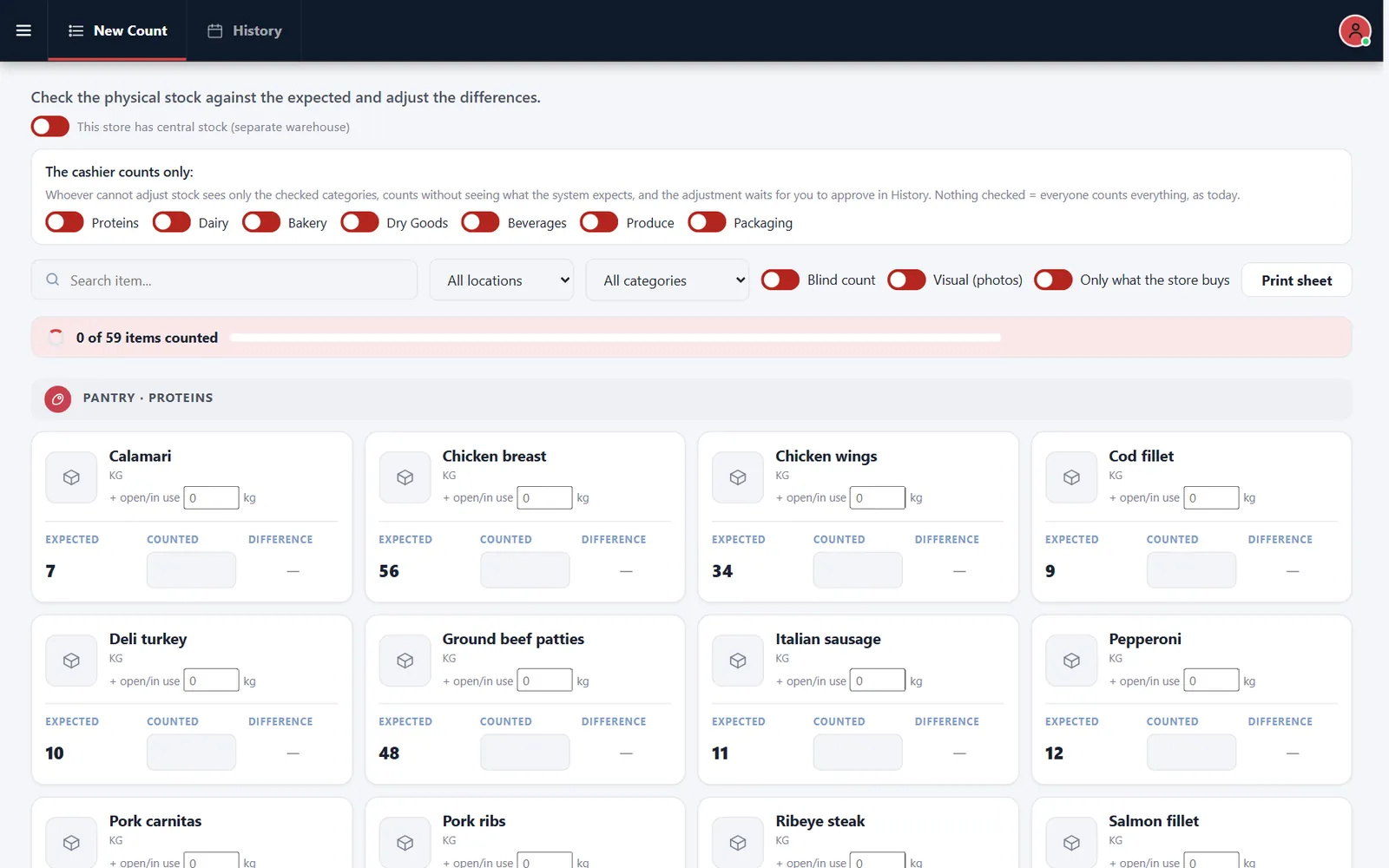
2. Turn on Blind count
The expected quantity disappears from the screen.
3. Count and enter
Enter what is physically there, including open packages.
4. Review differences
Check the History tab and approve the adjustments that make sense.
Related feature: Inventory counts.