
How to use the kitchen display in Spanish
Let each cook read the line in the language they work in.
1. Open the KDS
Open the kitchen display on the tablet or screen at the station.
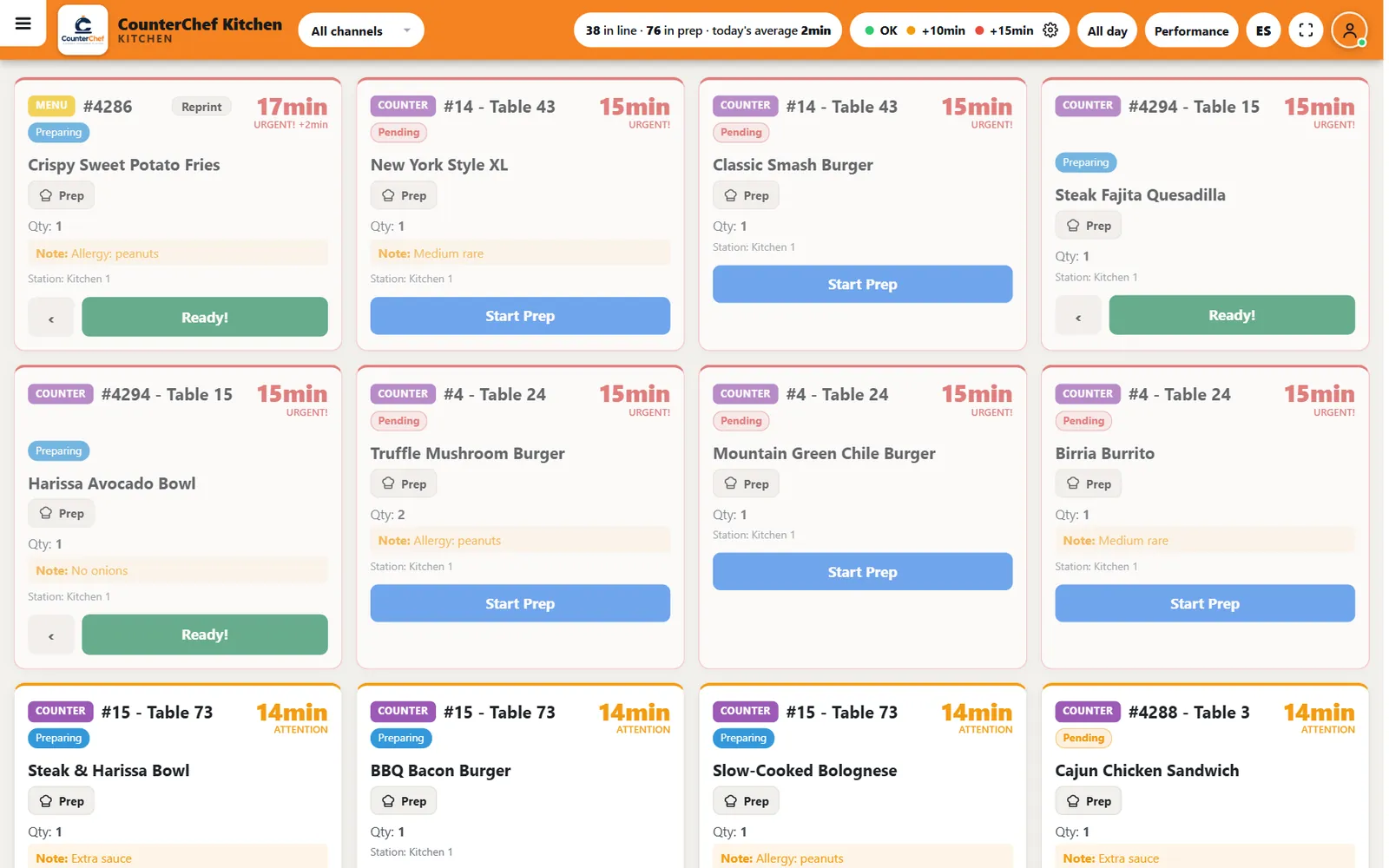
2. Press ES
The button in the top bar switches the screen language.
3. Set your time limits
Open the gear next to OK, +10min and +15min to change when tickets change color.
Related feature: Kitchen display (KDS).